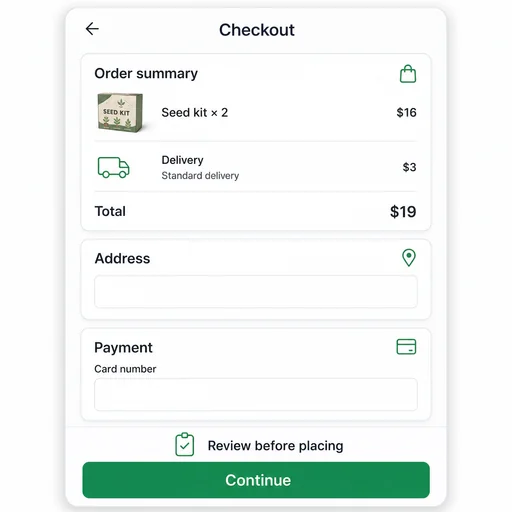
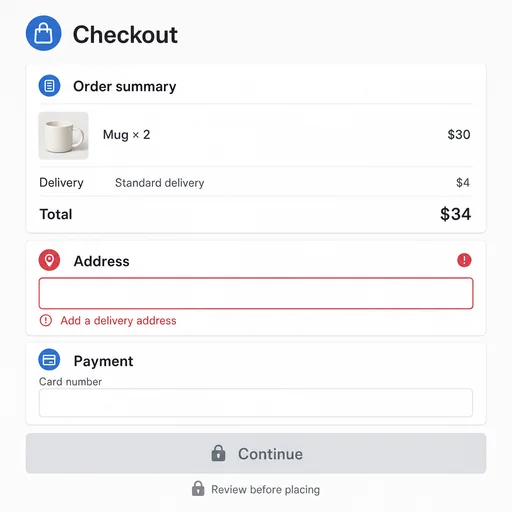
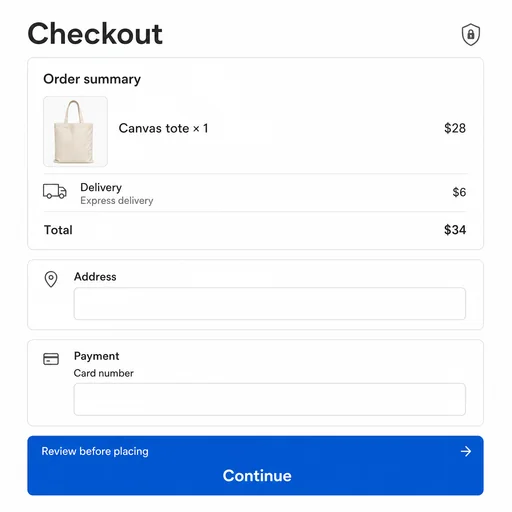
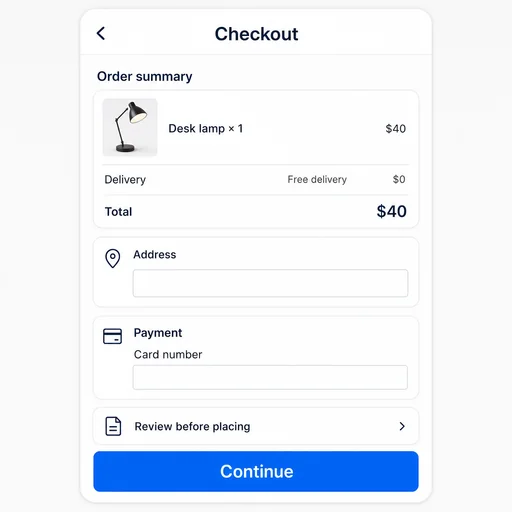
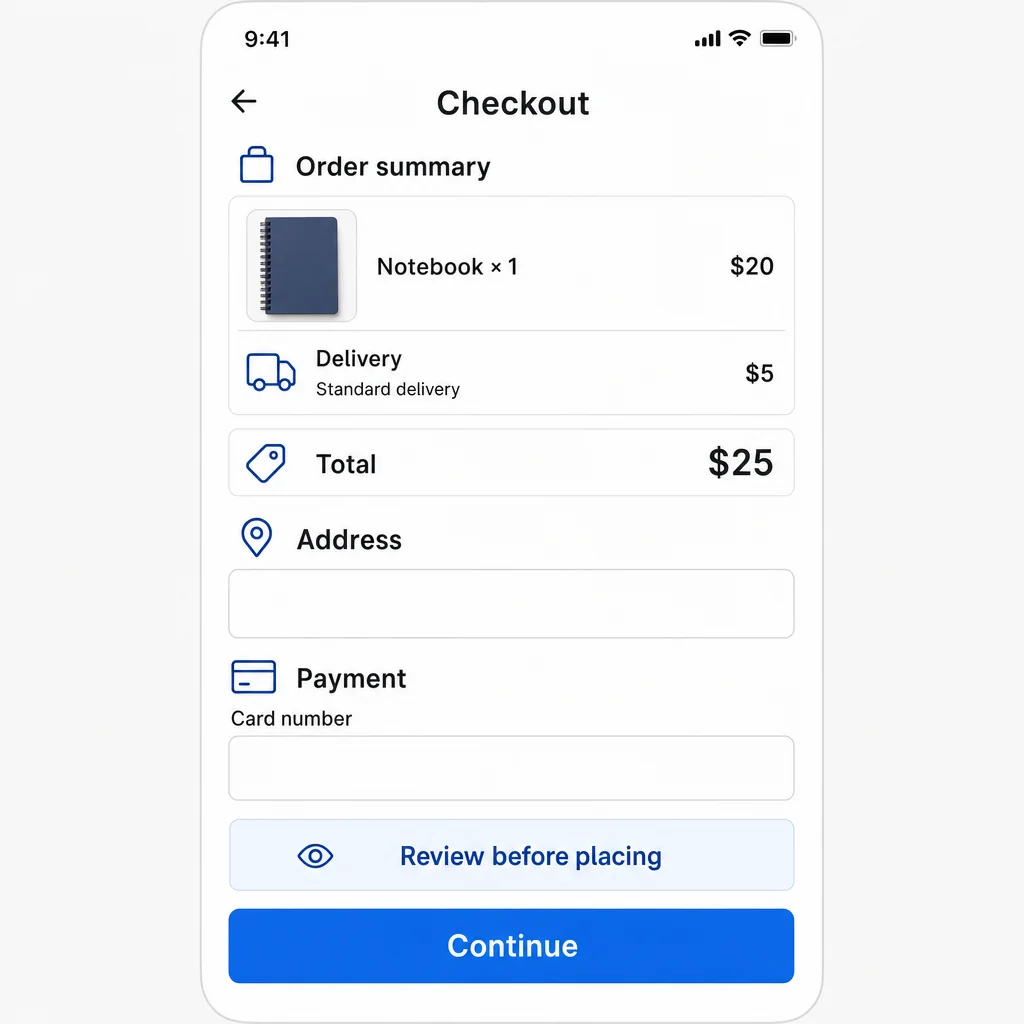
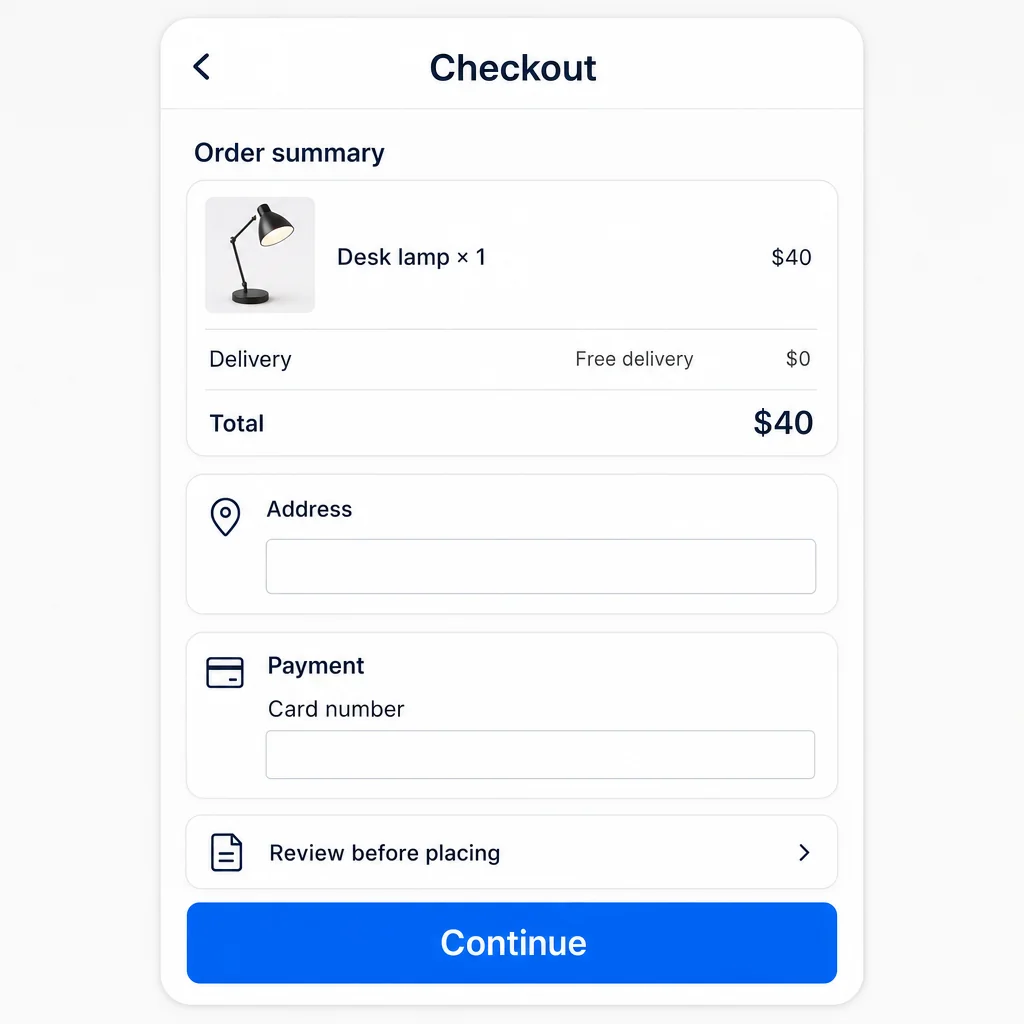
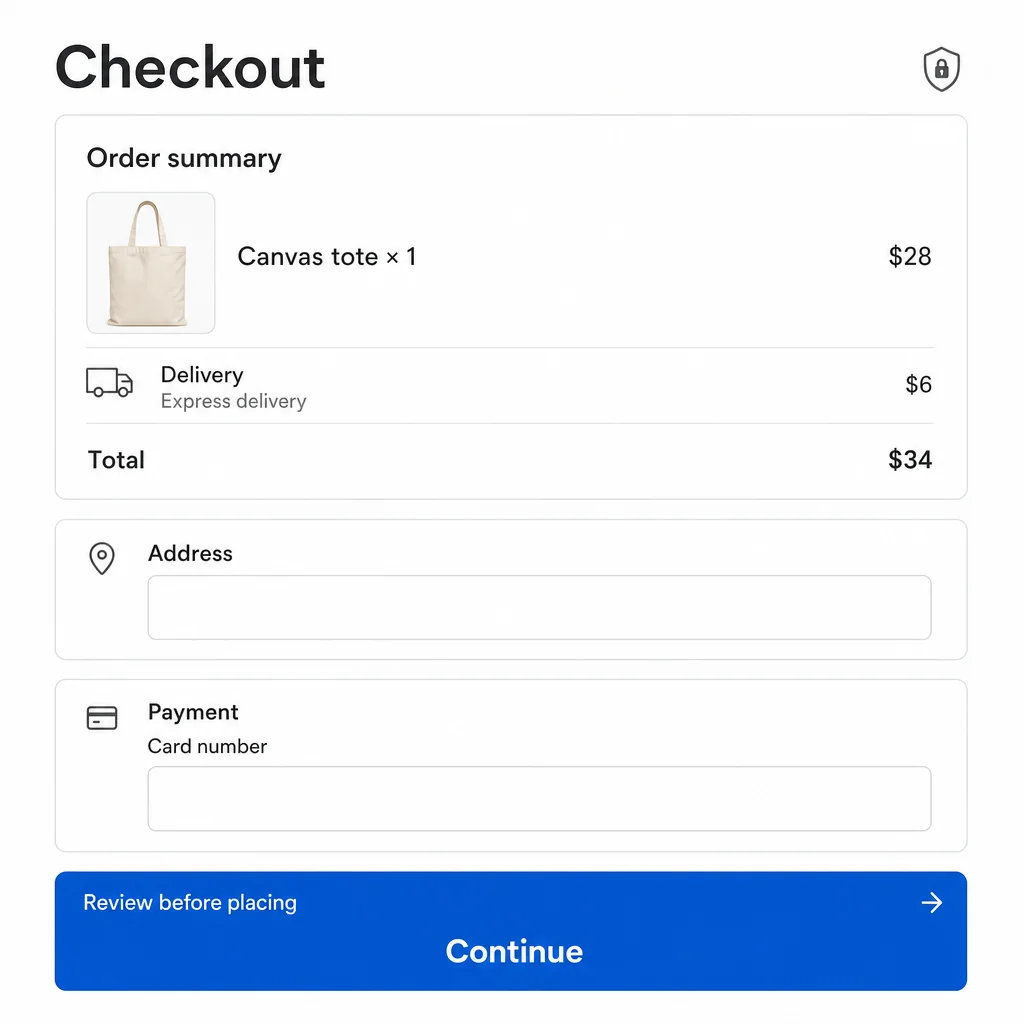
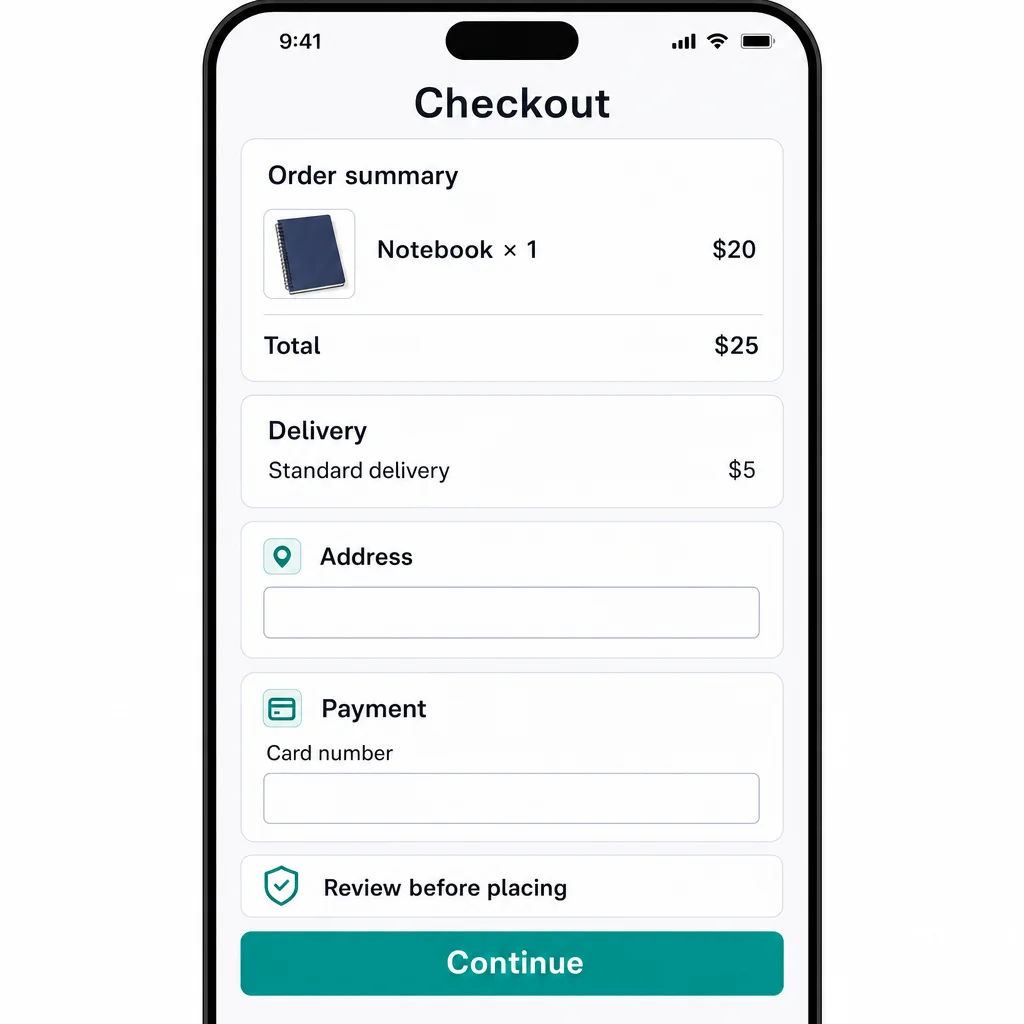
Notebook checkout with empty fields, a $25 total, Review before placing guidance and Continue.Seed kit checkout with $19 total, empty fields and review guidance.Mug checkout with $34 total, address error and disabled Continue button.Canvas tote checkout with express delivery, $34 total and review guidance above Continue.Lamp checkout with free delivery, $40 total, empty fields and review guidance.

Create a Checkout Screen

Create a clear checkout screen concept with order details, shipping, payment, trust cues, and a visible primary action.

  1. Describe
  2. Log in
  3. Create
  • Describe the checkout

    Describe the product, audience, and checkout context you want the screen concept to support.

  • Shape the purchase flow

    Ask for clear order summary, shipping and payment hierarchy, trust cues, spacing, and primary action placement.

  • Keep checkout easy to scan

    Review whether order details, errors, and the main action remain easy to find at a glance.

Purchase flow concepts

Make every checkout detail easy to follow

Describe your store, products, payment steps, and brand direction to explore a focused interface for completing an order.

Notebook checkout with empty fields, a $25 total, Review before placing guidance and Continue.
Lamp checkout with free delivery, $40 total, empty fields and review guidance.
Canvas tote checkout with express delivery, $34 total and review guidance above Continue.

Get started

Create a first checkout screen, refine that same image, and review the final result.

Step 1

Describe your checkout screen

Provide the details for the first image.
Step 2

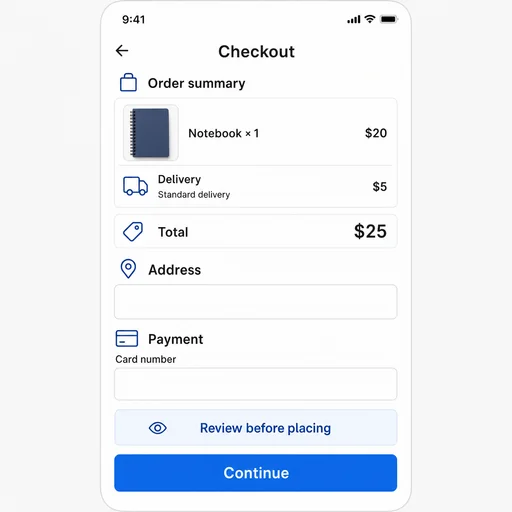
Refine the first image

Use the actual first result with this follow-up.
Step 3: Review the refined image.

Step 3

Review the refined image

Compare the final image with your request.