Create a meme comic
Turn a funny situation into an original comic with expressive pictures, short dialogue, and a punchline that lands.
- Upload
- Log in
- Create
Develop a funny idea
Turn a rough joke into a comic, or get a few everyday situations to choose from.
Choose a panel count
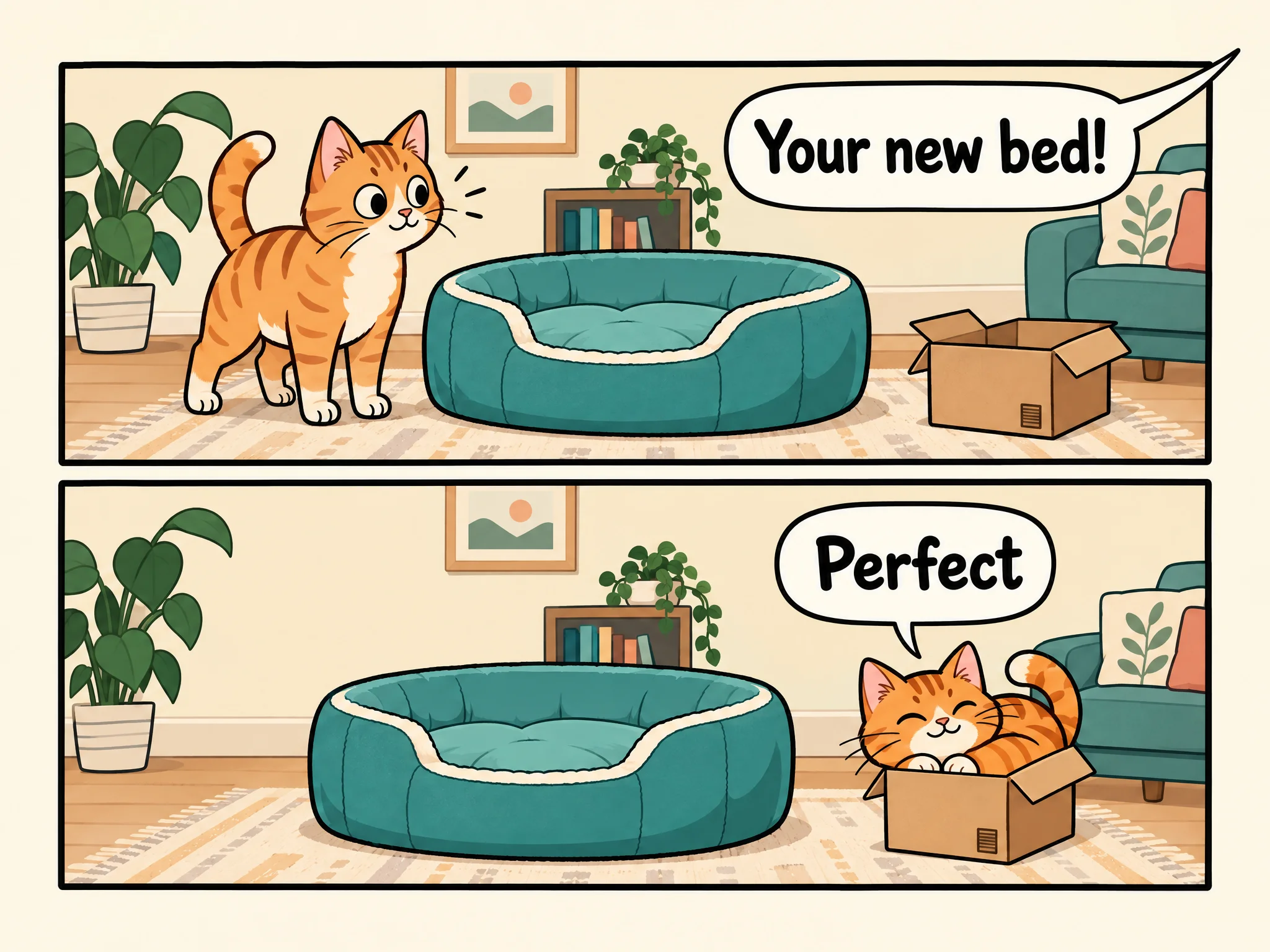
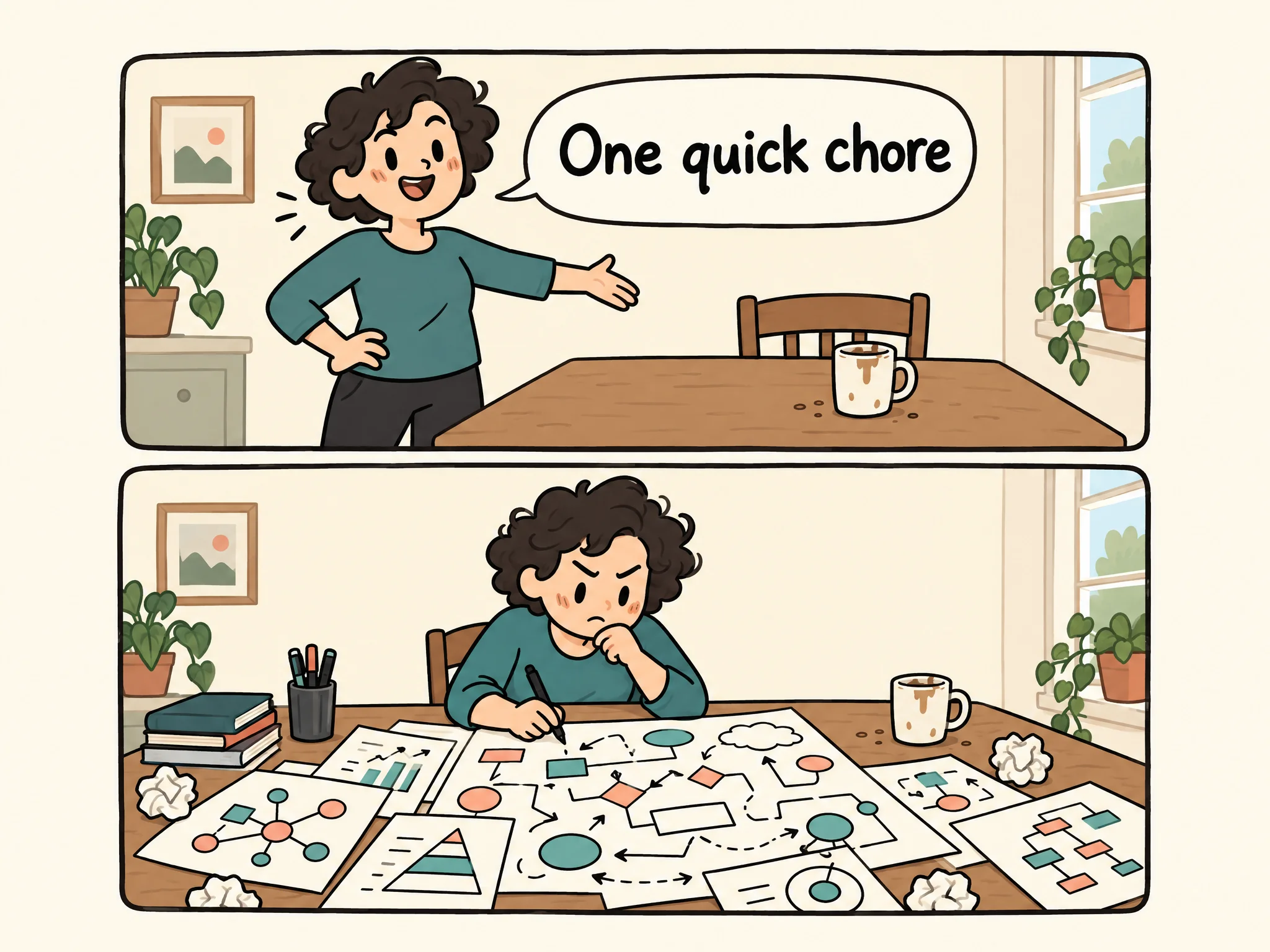
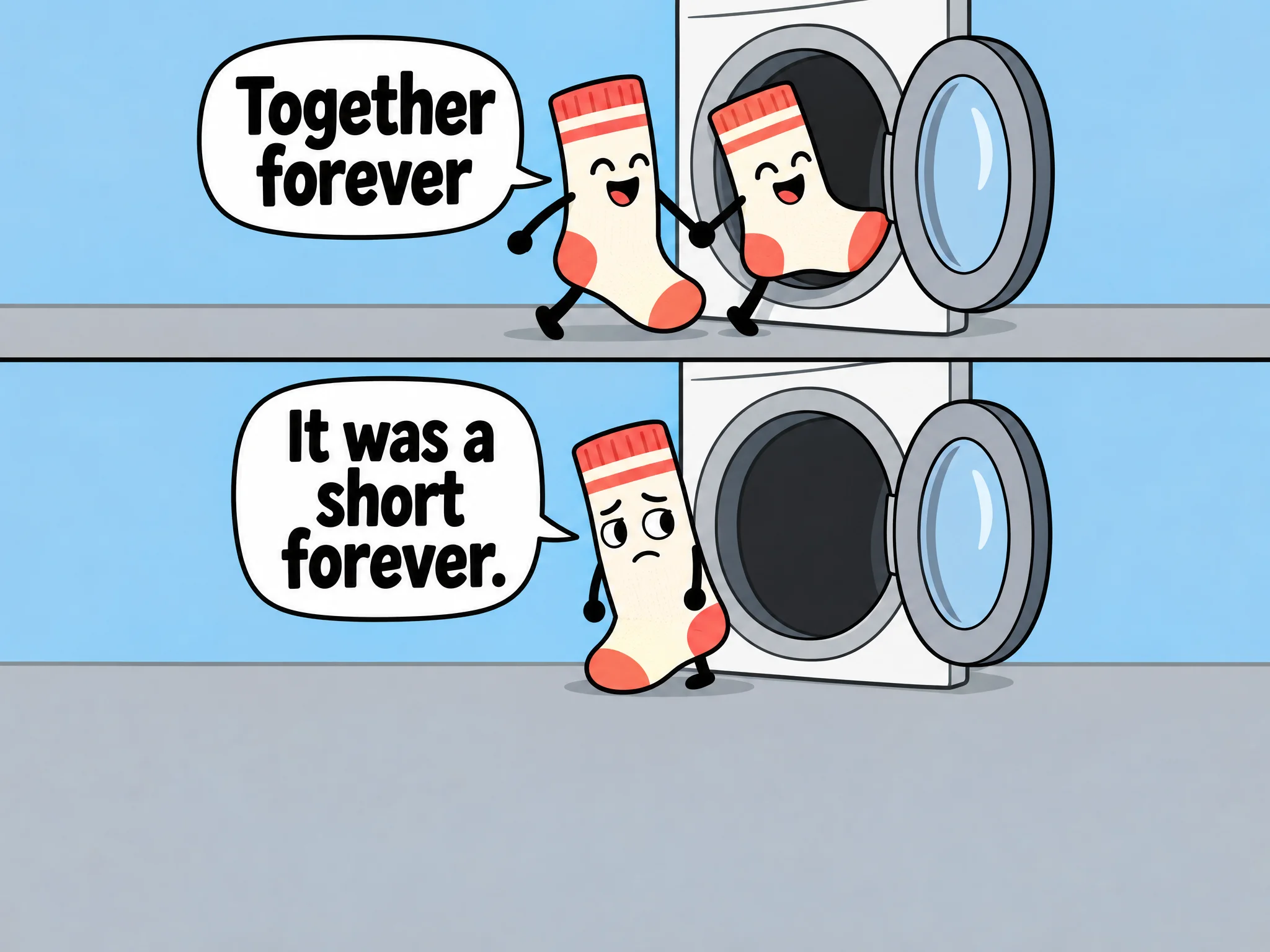
Try two panels for a setup and surprise, or add panels to give a reaction more room.
Choose an art style
Explore simple doodles, bold cartoons, or expressive animal characters to give your joke the right look.
Turn an everyday moment into a visual joke
Build toward a surprise, exaggerate a reaction, or let the picture deliver the punchline. Use these examples to spark your own comic.
FAQ
How much text should I put in each panel?
Keep lines short and let expressions and actions carry part of the joke. If a panel needs a long explanation, simplify the setup or give the moment another panel.
How do I choose humor that fits my audience?
Describe who will see the comic and any topics to avoid. Gentle everyday humor is a useful starting point for a mixed audience; dry or sarcastic humor may fit people who share the context.
What if I want the comic in another language?
Name the language and ask for natural dialogue. If the joke relies on wordplay, ask for an adapted punchline rather than a word-for-word translation so the humor still makes sense.
What shape should I use for sharing?
Choose square, tall, or wide based on where you'll share it. Keep the reading order clear, and check that the lettering is correct and readable at the size people will see.
How do I change just one part of the comic?
Name the panel, what to change, and what to keep—for example, a shorter punchline with the same characters. If the comic isn't already in the chat, upload it in ChatGPT before asking for the edit.
Turn funny moments into captions or skits
Use ChatGPT to develop an everyday observation into a playful caption or short skit.