Step 1
Upload your photo
Start with the original imperfect photo you want to improve.

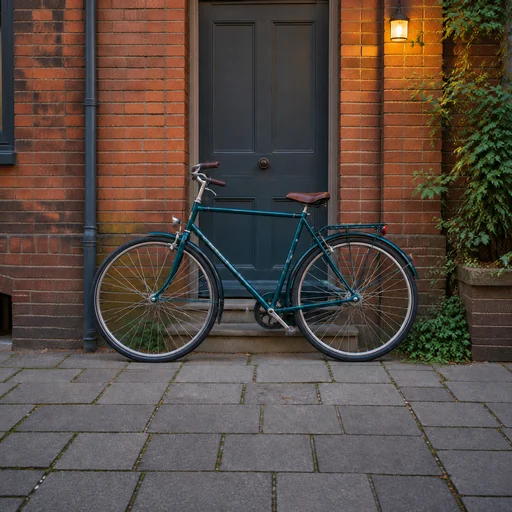

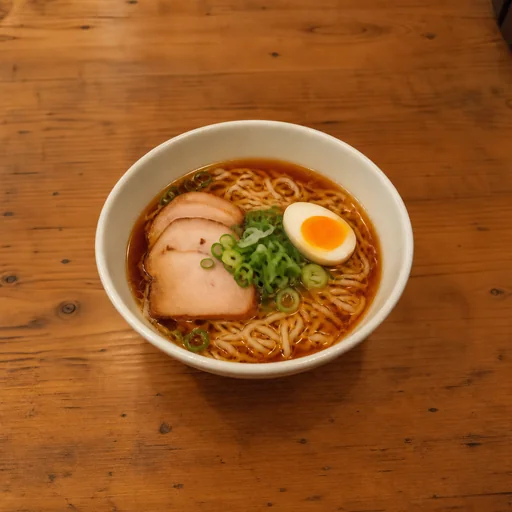

Upload your photo for sharper detail, improved lighting, and balanced color, then request that your subject and scene stay recognizable.
Upload the photo you want to enhance, keeping the original available for comparison.
Describe whether to adjust sharpness, exposure, white balance, or natural detail while keeping texture realistic.
Review the result and request your subject, identity, framing, and scene remain recognizable without plastic-looking skin.
Photo clarity
Explore natural photo improvements with the original subjects and scenes retained.

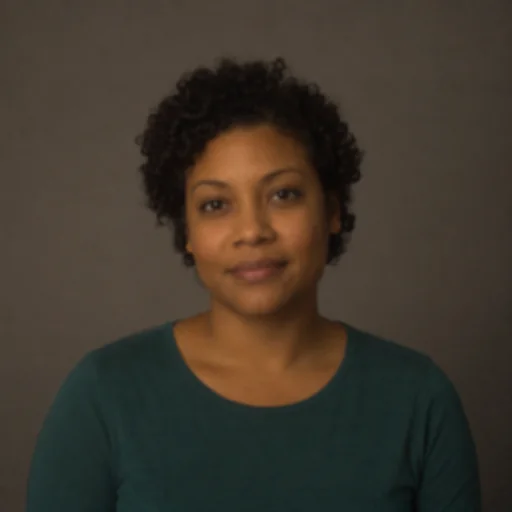




Upload your photo, describe the enhancement and details to preserve, then review the clearer result.
Step 1
Start with the original imperfect photo you want to improve.
Step 2
Use this request to improve the photo while preserving its people, expressions and scene.
Step 3
Compare faces, expressions, clothing and scene details with your original photo.