Step 1
Upload your portrait
Start with a clear original portrait. The same photo is used for all five makeup alternatives.
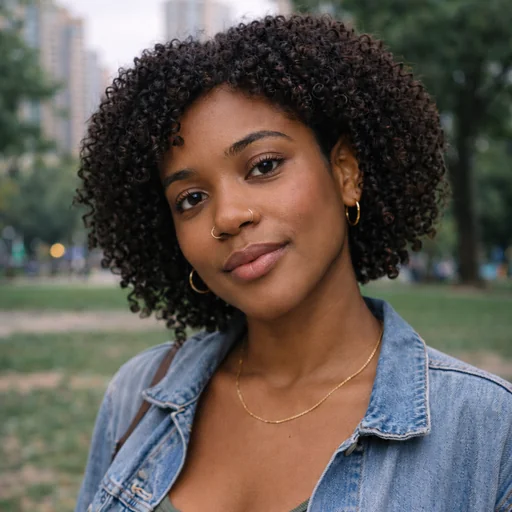
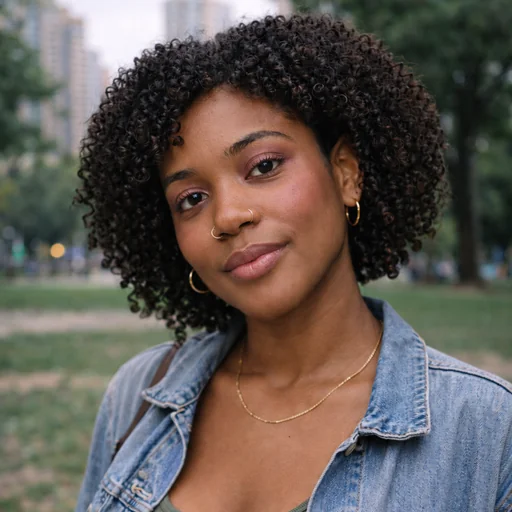
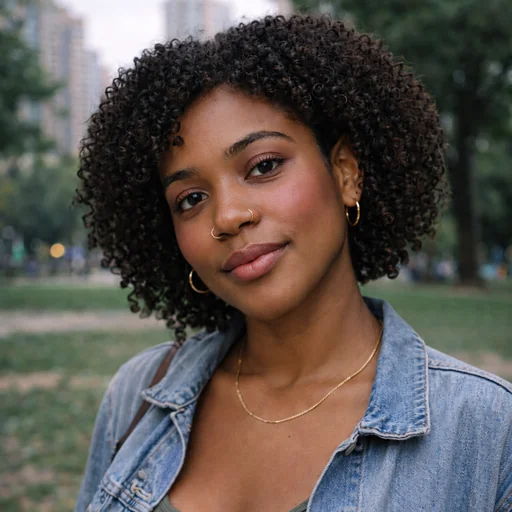
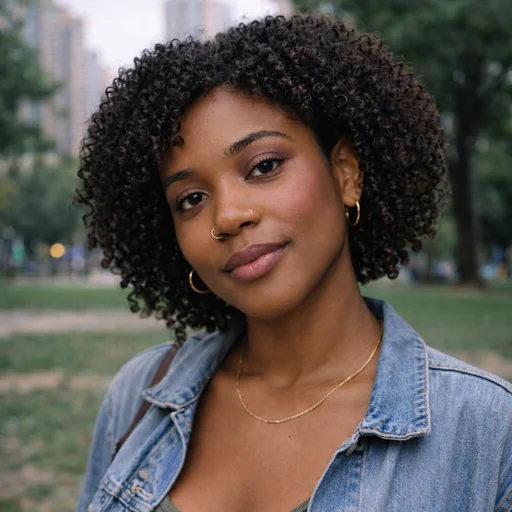
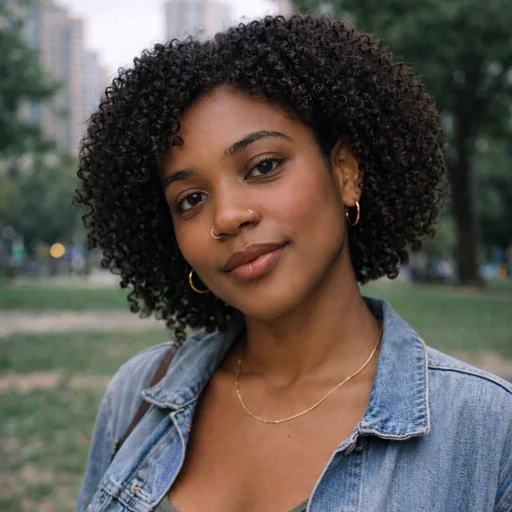
Preview natural, everyday makeup on your portrait while keeping facial features, skin tone, and texture true to the original.
Upload the portrait you want to try makeup on, keeping the original photo as reference.
Describe shades, finish, and subtle intensity for lips, eyes, and cheek color for believable results.
Ask to preserve facial geometry, skin tone, and natural texture while reviewing the makeup effect.
Preserve your likeness
Get quick previews of natural makeup on your portrait while preserving skin tone, texture, and distinctive features for believable, lifelike results.
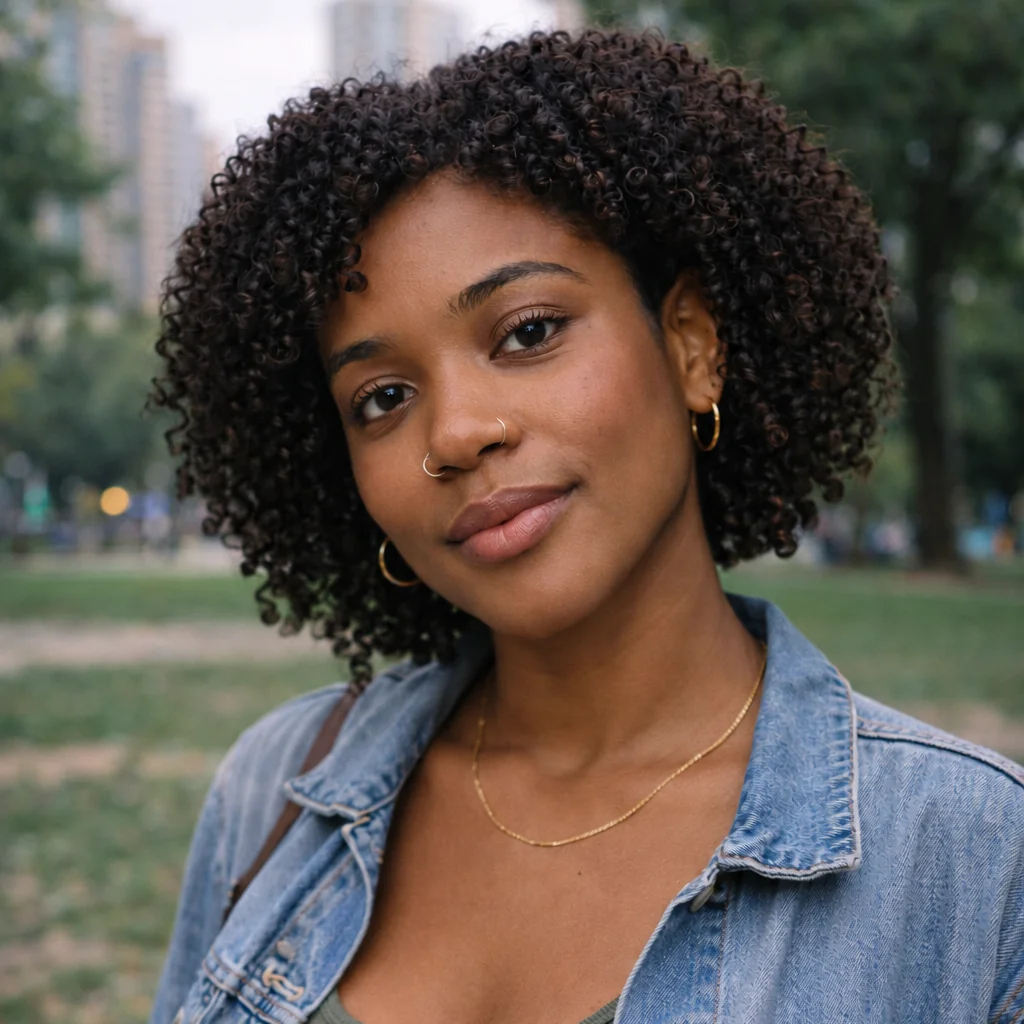
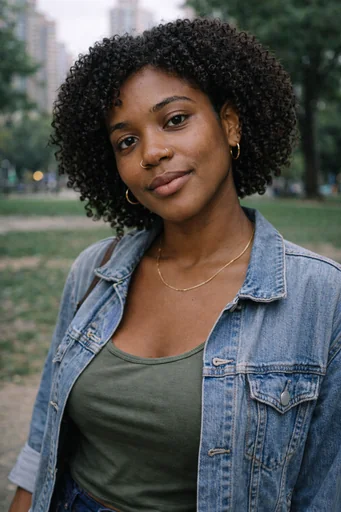
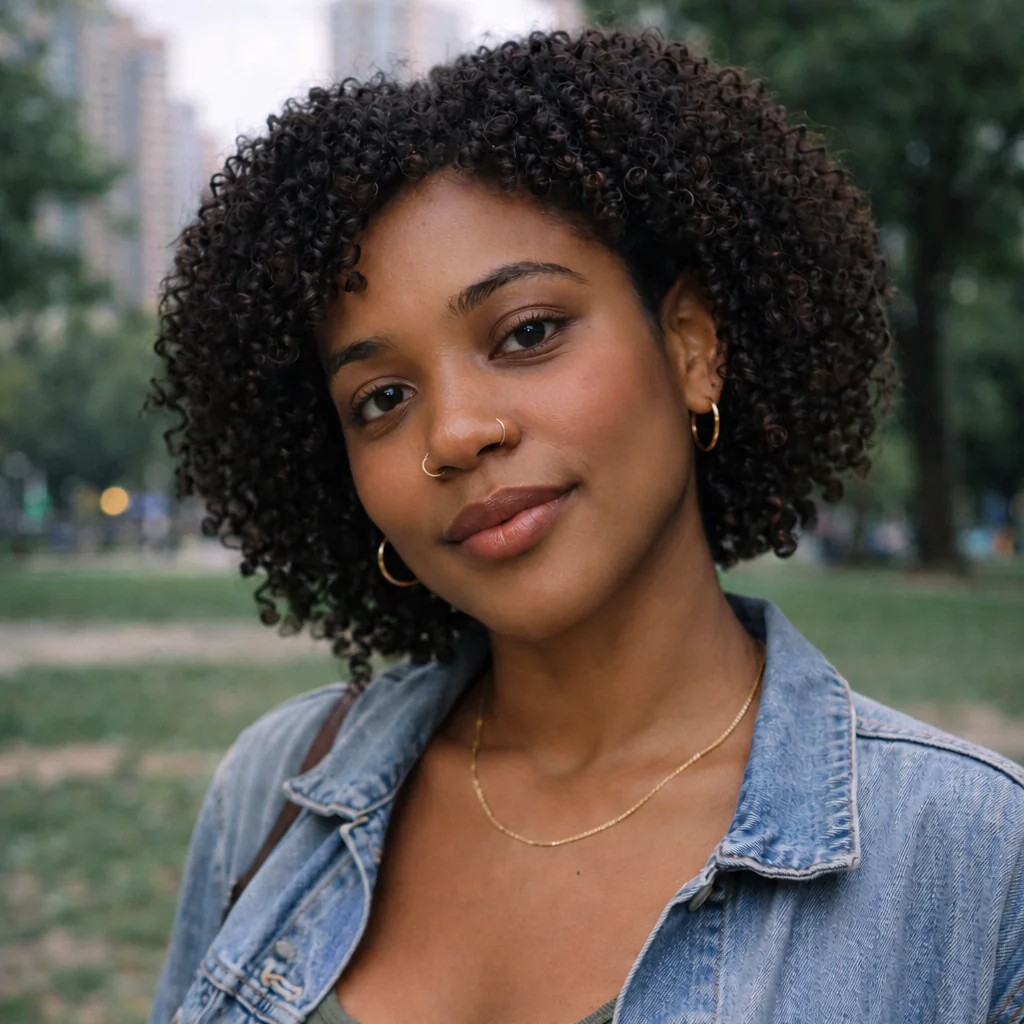
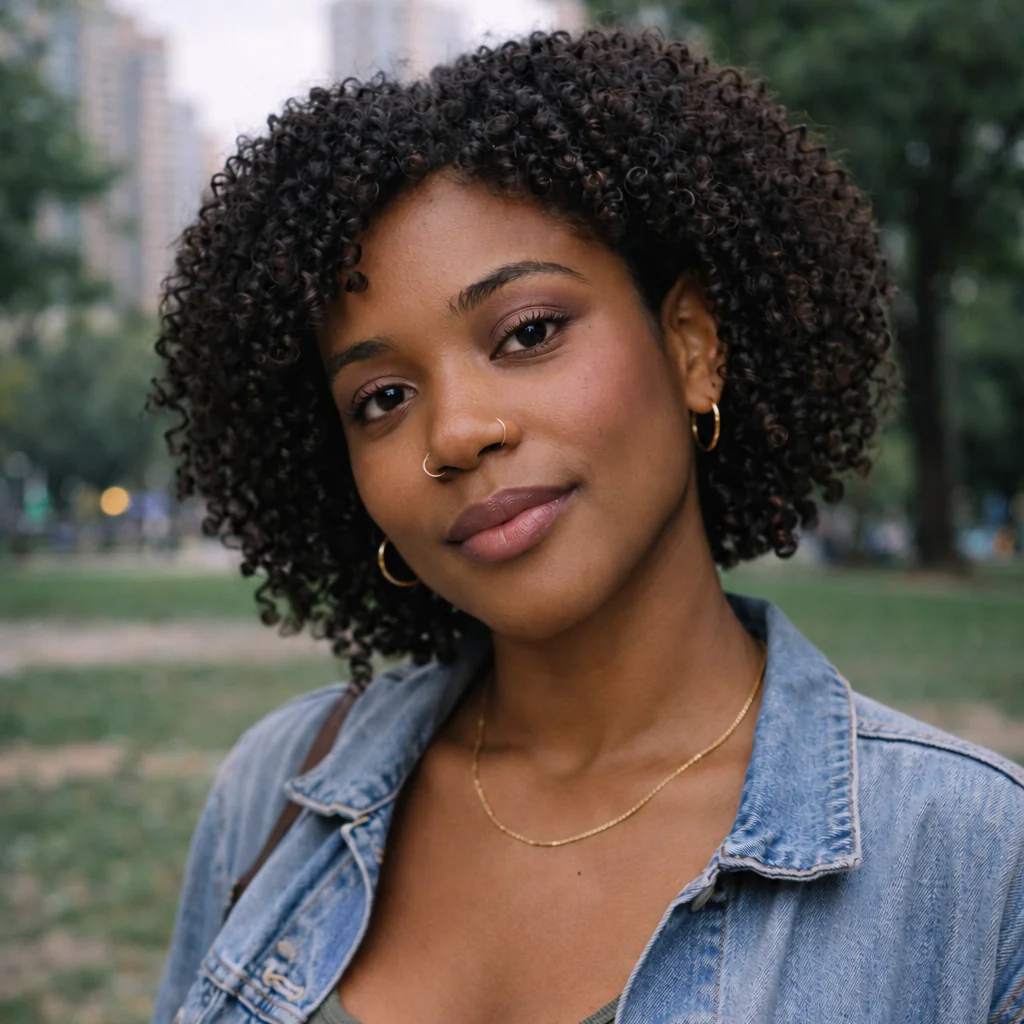
Upload one portrait, describe the makeup to try, then review the result while checking your identity and natural skin texture.
Step 1
Start with a clear original portrait. The same photo is used for all five makeup alternatives.
Step 2
Submit the request for natural everyday makeup, keeping the person and all unaffected details unchanged.
Step 3
Check the eye, cheek and lip treatment, facial features and retained natural skin texture.