Export photos from an iPhone
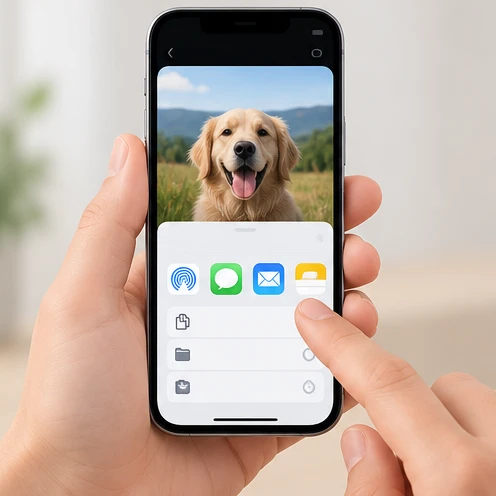
Get clear steps for copying your photos to another device or storage location. ChatGPT guides you; it can't access your phone or move your photos.
- Upload
- Log in
- Create
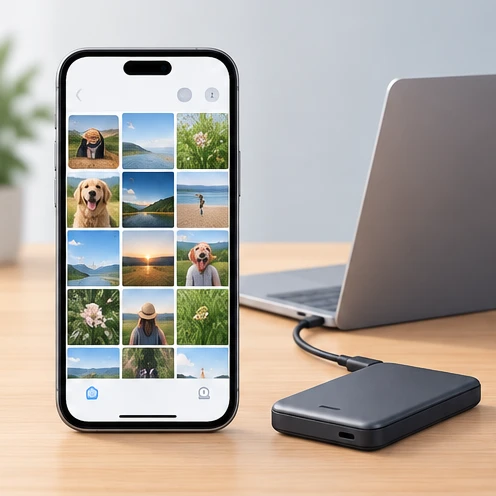
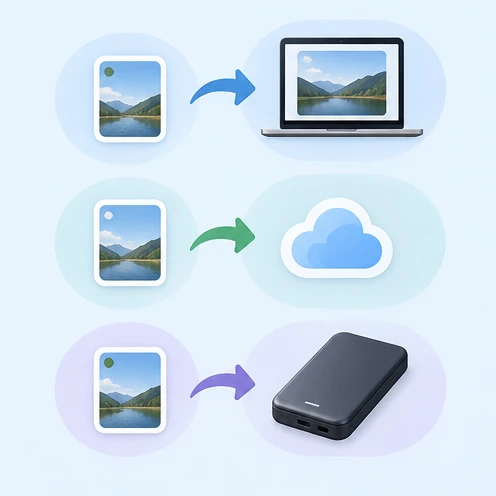
Choose a destination
Compare a Mac, Windows PC, another device, or storage service based on how you'll use your photos.
Compare transfer methods
Find a suitable cable or wireless option for your destination, equipment, and number of photos.
Troubleshoot a stuck transfer
Describe the last step that worked and any message you see to get focused next checks.
Get steps for your devices
Turn your destination and available equipment into a short transfer checklist, so you can follow one suitable route instead of sorting through every method.
FAQ
Should I export originals or smaller copies?
Choose originals to keep full-quality files. Smaller copies can work well for sharing when file size matters. Say which you want so the transfer steps fit your goal.
How do I copy just a few photos?
Select individual photos rather than the whole library. The exact steps depend on your transfer method; ask for help selecting specific pictures or a date range on your devices.
What changes if I use iCloud Photos?
Some full-size originals may be in iCloud while smaller versions stay on your phone. Say whether iCloud Photos is on so your instructions account for downloading originals when needed.
How do I keep Live Photos and edited versions?
Specify whether you want Live Photo motion, the edited appearance, or the unmodified original. What stays intact depends on the export method and receiving app, so ask for steps that preserve the versions you want.
When can I delete photos from my iPhone?
First open the exported files and confirm you have a separate copy. With iCloud Photos, deletions can sync to iCloud and connected devices. A synced library isn't an independent backup. If you want to free phone storage, ask for separate steps.
Plan photo folders with ChatGPT
Make photos easier to find with a simple folder and file-naming plan based on dates or events.