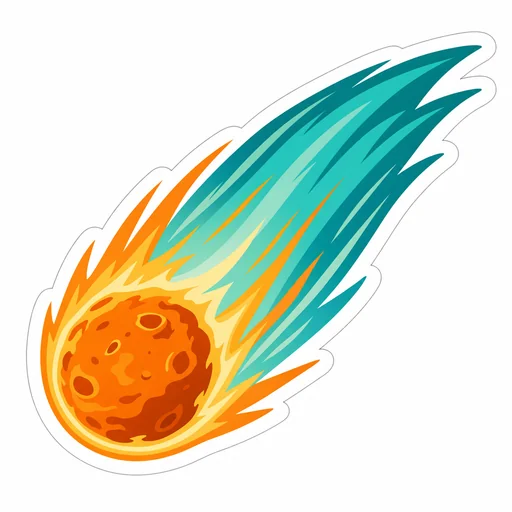
A curled red panda sticker in rust, cream and charcoal with a clean white die-cut margin.Friendly violet octopus and continuous white cut border, no checkerboardAn orange comet laptop sticker with a sweeping teal tail and a clean white die-cut margin on a plain white background.An unbranded coral, navy and cream retro cassette sticker with a white die-cut margin on a plain white background.A compact mountain-ridge and rising-sun sticker with bold navy, cream and orange shapes.

Laptop sticker design

Design polished die-cut laptop stickers with bold shapes, clear silhouettes, and printable color that stand out on any laptop.

  1. Describe
  2. Log in
  3. Create
  • Describe your sticker

    Describe the sticker subject, size, and intended laptop placement and material.

  • Describe visual details

    Describe silhouette, outline thickness, color palette, negative space, and printable color limits.

  • Keep a bold silhouette

    Review the result for clear shapes, readable edges, and sticker-friendly contrast.

Sticker design toolkit

Design eye-catching laptop stickers

Convert your idea into a printable sticker asset with strong silhouettes, simplified details, and color choices optimized for small-scale printing.

A curled red panda sticker in rust, cream and charcoal with a clean white die-cut margin.
A compact mountain-ridge and rising-sun sticker with bold navy, cream and orange shapes.
An unbranded coral, navy and cream retro cassette sticker with a white die-cut margin on a plain white background.

Get started

Create a first laptop sticker, refine that same image, and review the final result.

Step 1

Describe your laptop sticker

Provide the details for the first laptop sticker.

Step 2

Refine the first laptop sticker

Use the actual first result with this follow-up.

Step 3: Review the refined laptop sticker.

Step 3

Review the refined laptop sticker

Check the red panda, continuous white border, joined silhouette and transparent exterior against your request.