Step 1
Add your portrait
Choose a clear portrait to use as the reference for your palette.
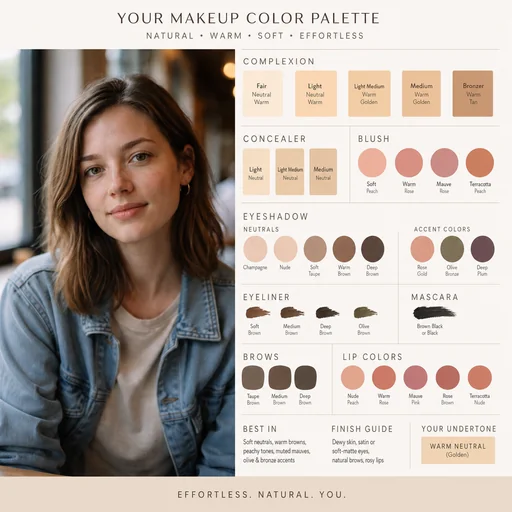
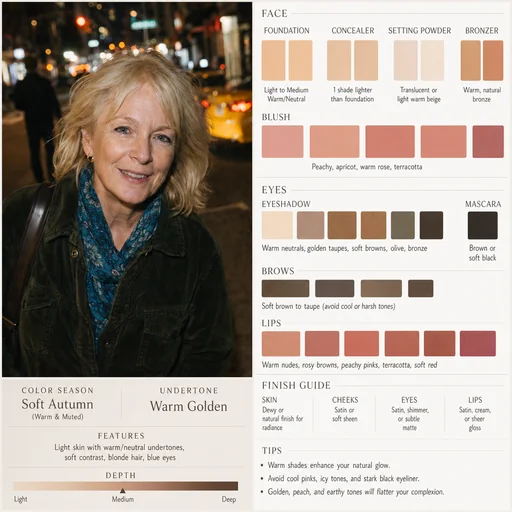
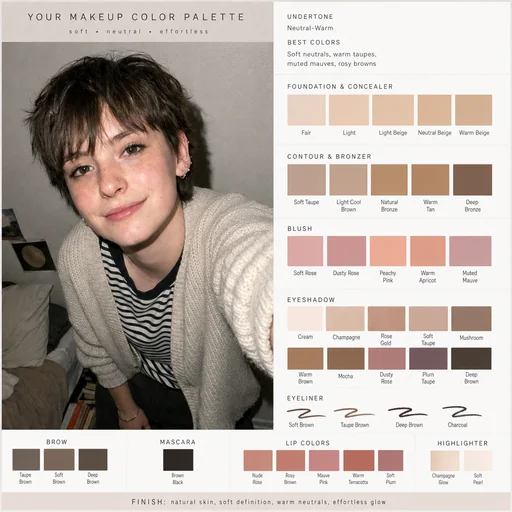
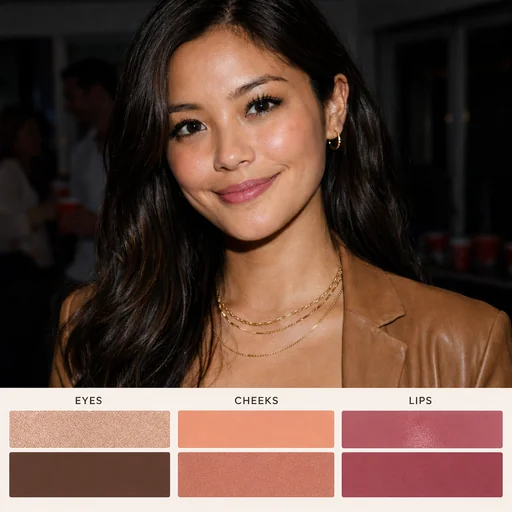
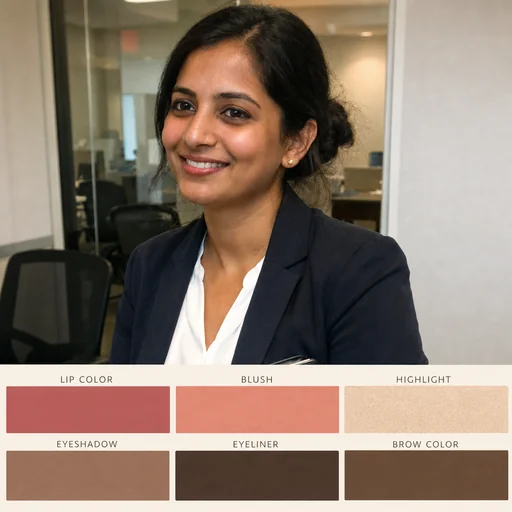
Generate a personalized makeup color palette from your portrait while keeping your face and features unchanged.
Upload the clear headshot you want analyzed, keeping the original as reference.
Describe desired undertone, contrast, finish, target areas like lips, eyes, cheeks, and mood.
Review palette placement and ask to preserve natural skin tone, facial geometry, and distinctive features.
Personal color analysis
Upload a clear headshot and get a harmonious set of swatches for eyes, lips, and complexion that complements your natural coloring.
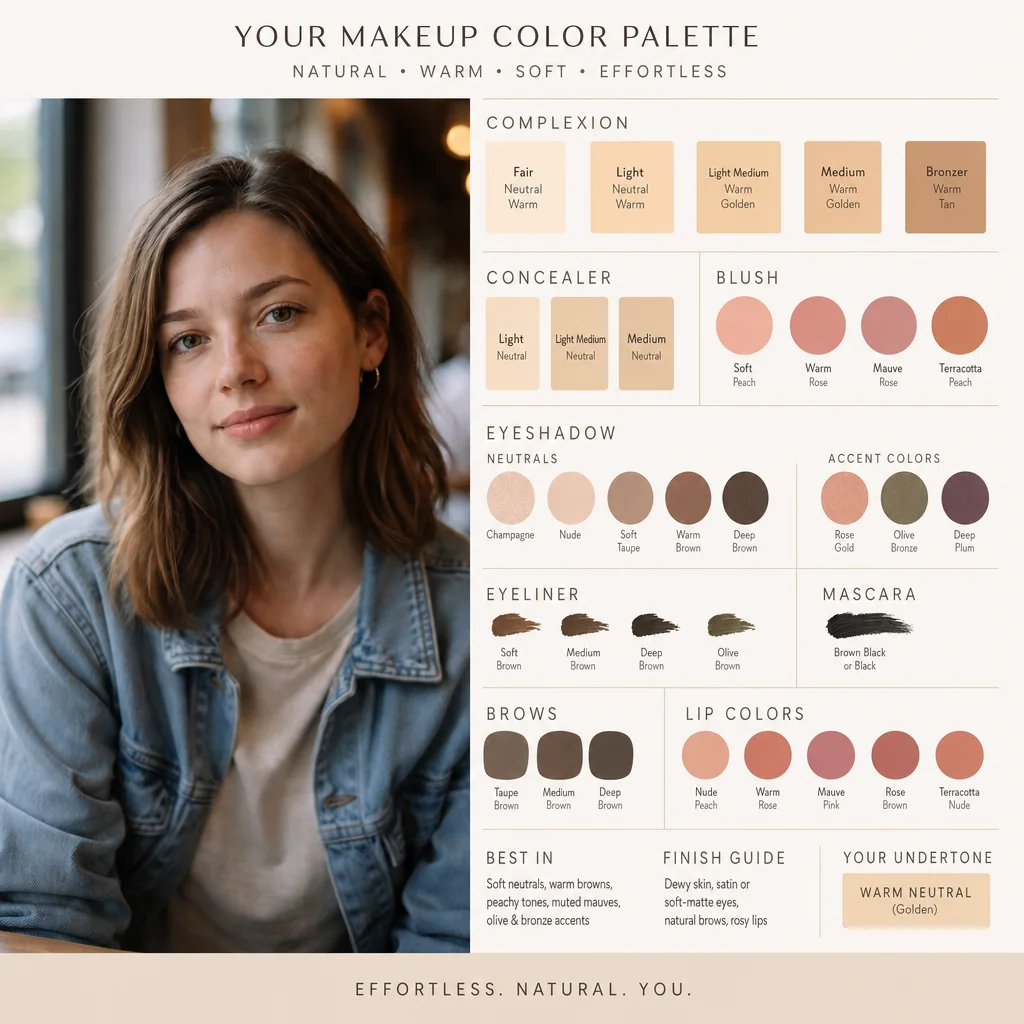

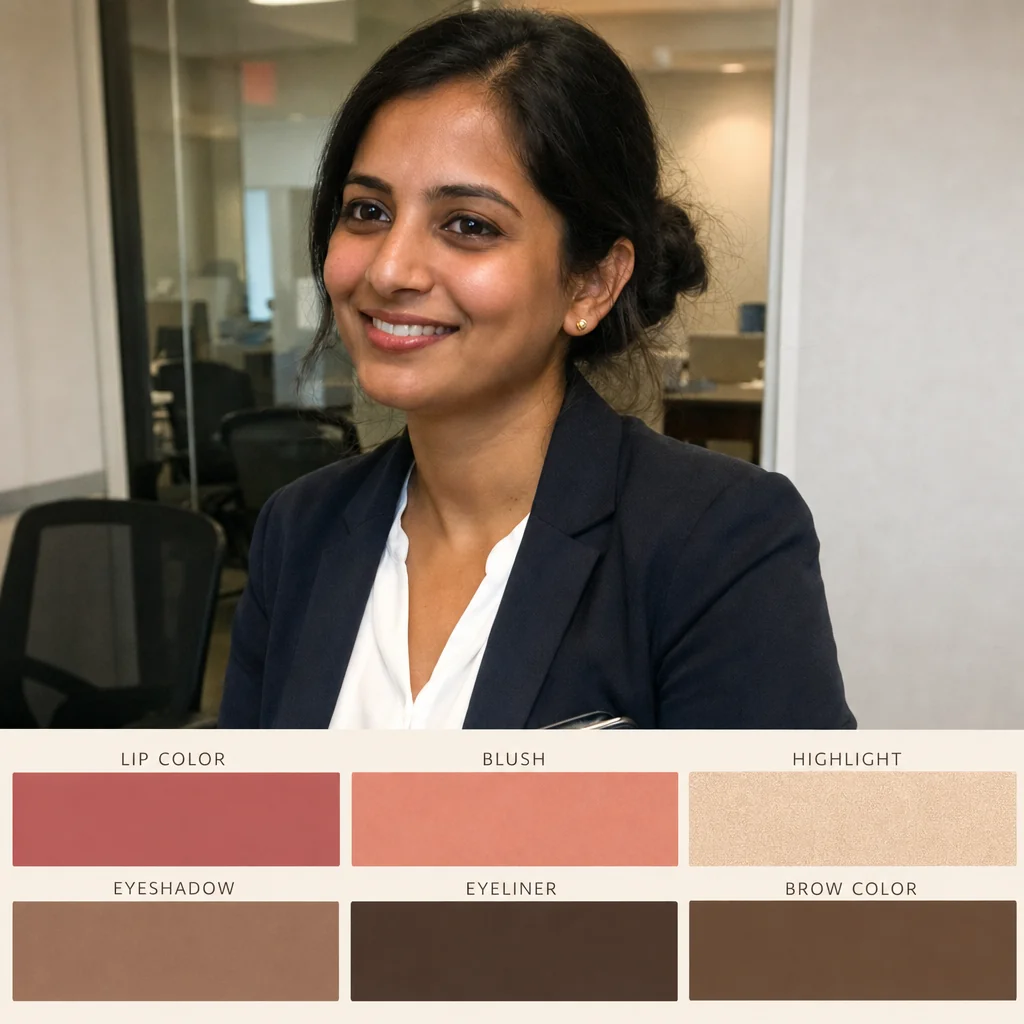
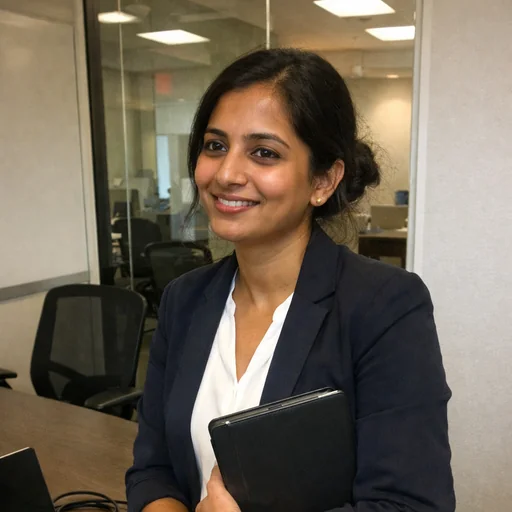
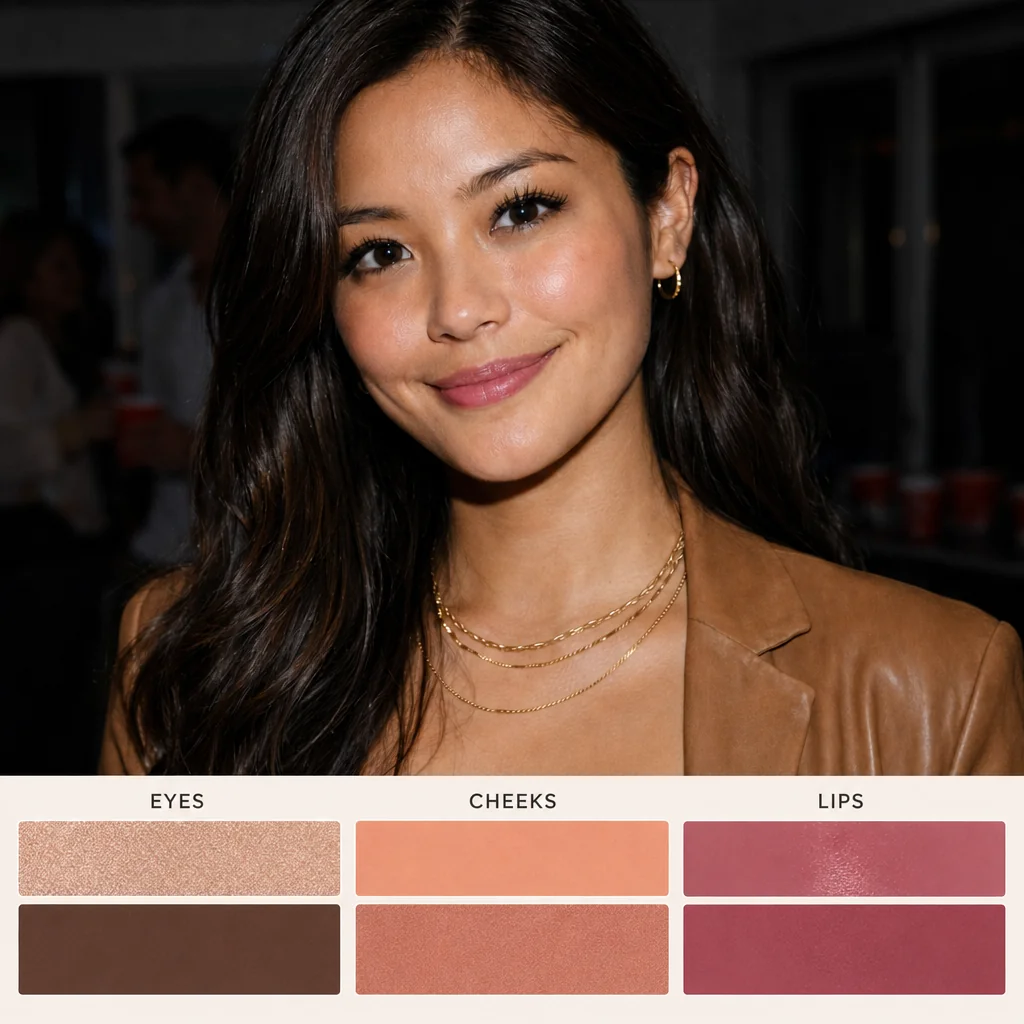
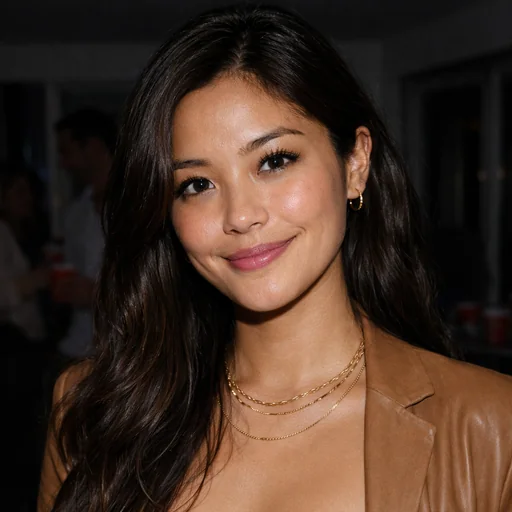
Upload a portrait, request a color palette and review the portrait and coordinated swatches.
Step 1
Choose a clear portrait to use as the reference for your palette.
Step 2
Describe the type of palette you want from the attached portrait.
Step 3
Check that the portrait stays recognizable and the colors work together for your intended use.