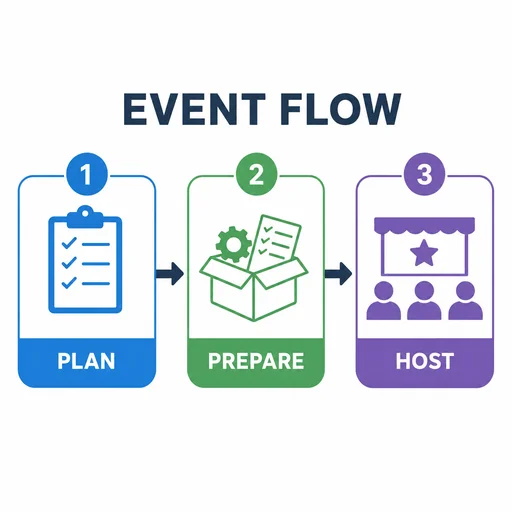
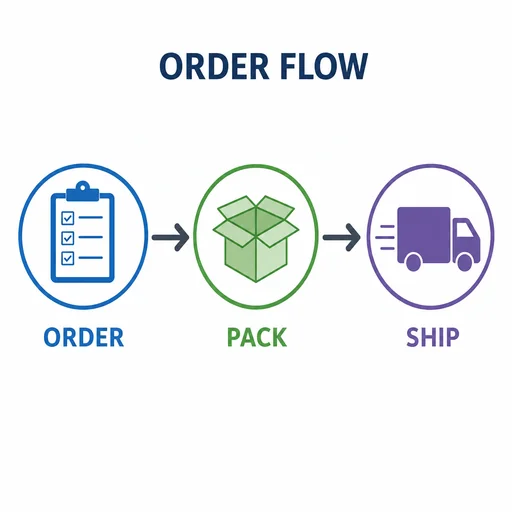
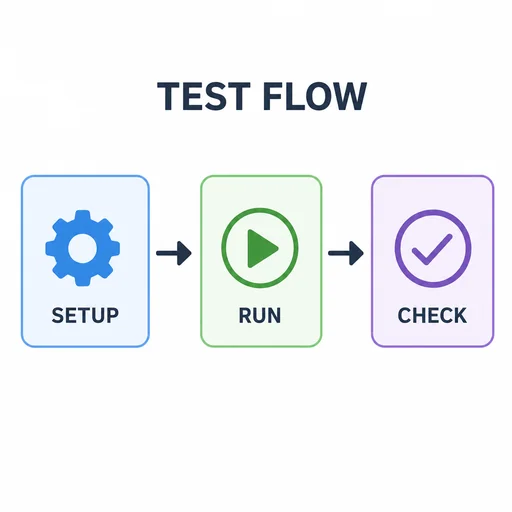
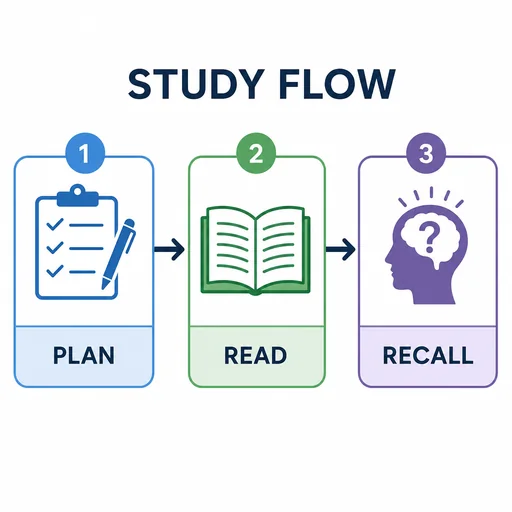
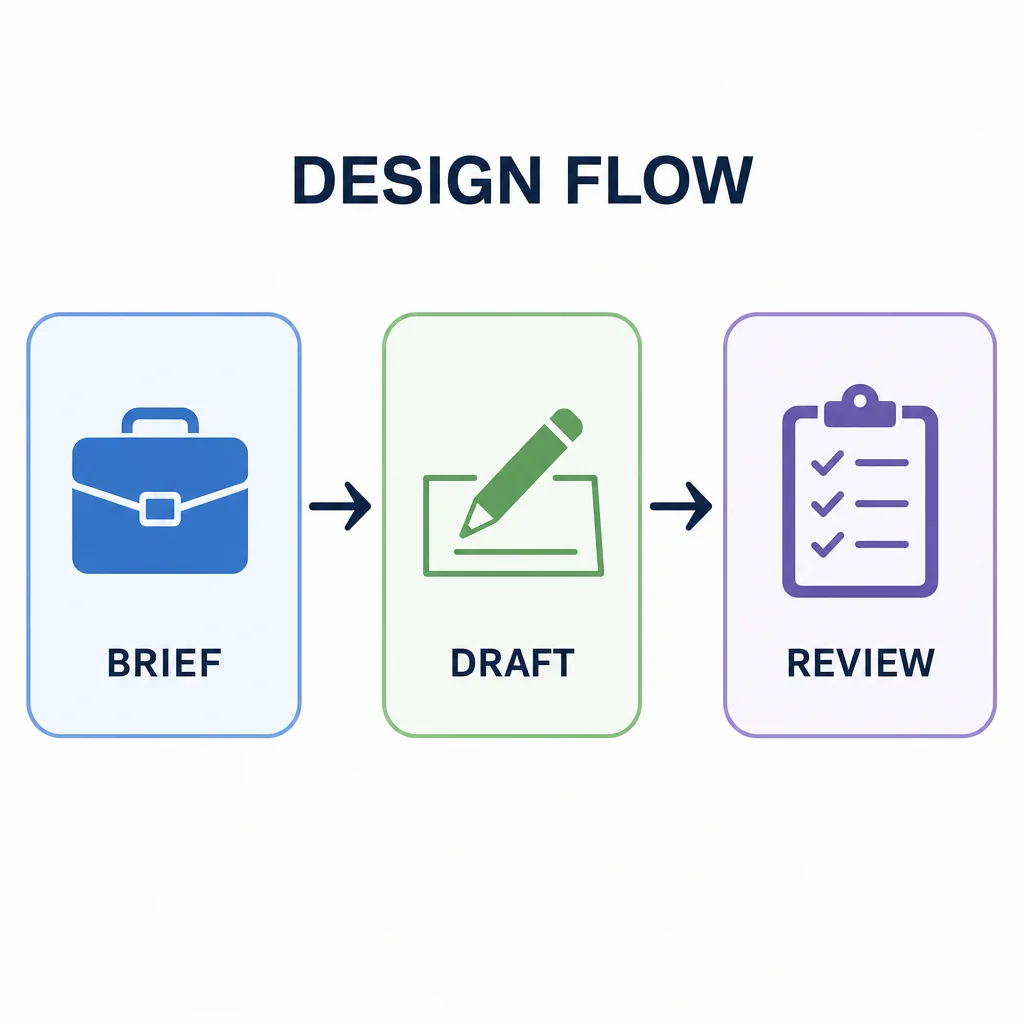
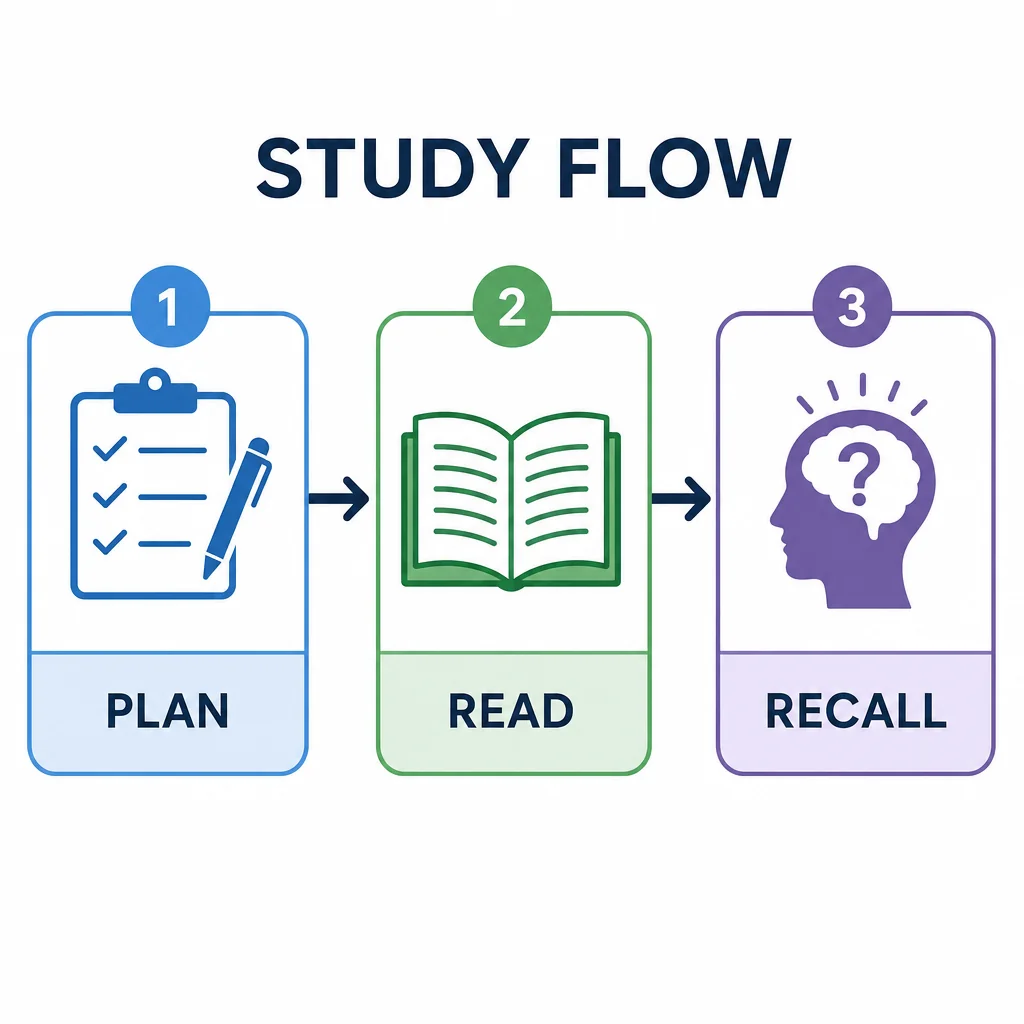
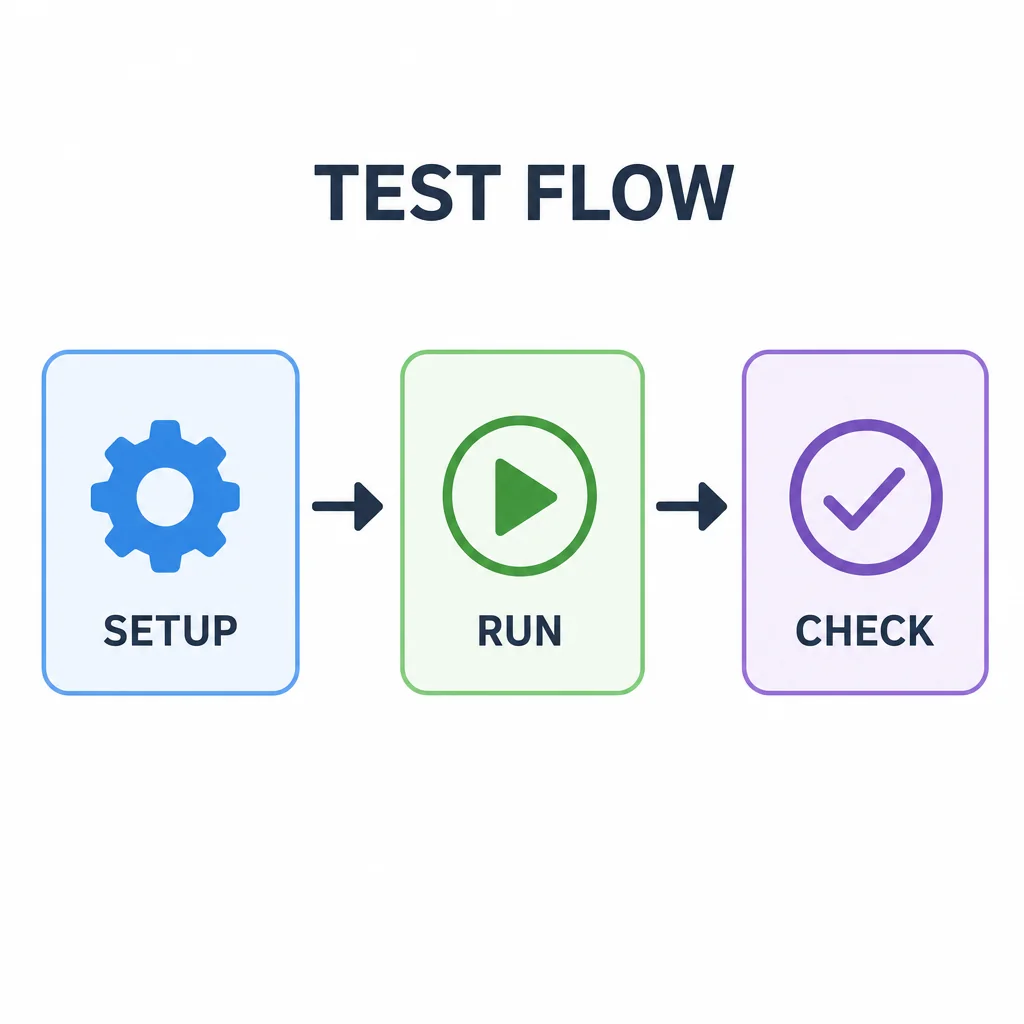
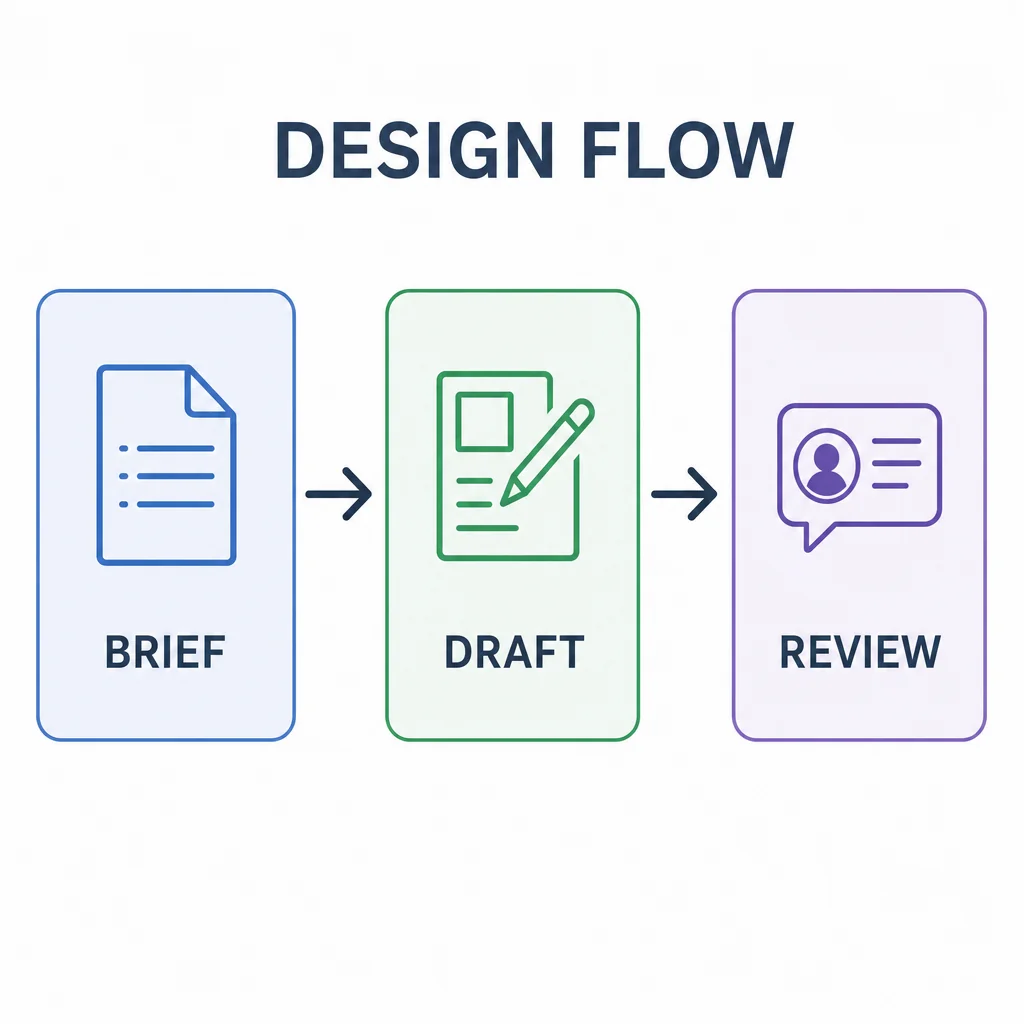
DESIGN FLOW process diagram connecting BRIEF, DRAFT and REVIEW.EVENT FLOW has PLAN, PREPARE, HOST in correct left-to-right order with two clear arrows.ORDER FLOW process diagram connecting ORDER, PACK and SHIP.TEST FLOW has SETUP, RUN, CHECK in correct order with two clear rightward arrows and consistent icons.STUDY FLOW with PLAN→READ→RECALL and two correctly directed arrows. 1–3 are navigational step indices, not invented steps/facts..

Create a Process Diagram

Turn your workflow into a clear process diagram with readable steps, directional arrows, and focused visual structure.

  1. Describe
  2. Log in
  3. Create
  • Describe your workflow

    Describe the process, its starting point, key steps, supplied labels, and intended audience.

  • Shape the flow

    Ask for clear arrows, consistent icons, restrained colors, and follow-up changes to step order or emphasis.

  • Clarify the workflow

    Review the start-to-finish sequence and refine labels, spacing, or visual emphasis where the workflow feels unclear.

Clear visual planning

Turn complex workflows into clear diagrams

Organize your supplied steps into a focused visual sequence that helps people understand what happens first, next, and last.

DESIGN FLOW process diagram connecting BRIEF, DRAFT and REVIEW.
STUDY FLOW with PLAN→READ→RECALL and two correctly directed arrows. 1–3 are navigational step indices, not invented steps/facts..
TEST FLOW has SETUP, RUN, CHECK in correct order with two clear rightward arrows and consistent icons.

Get started

Create a first image, refine that same image, and review the final result.

Step 1

Describe your image

Provide the details for the first image.
Step 2

Refine the first result

Use the actual first result with this follow-up.
Step 3: Review the refined image.

Step 3

Review the refined image

Check the final image against your request.