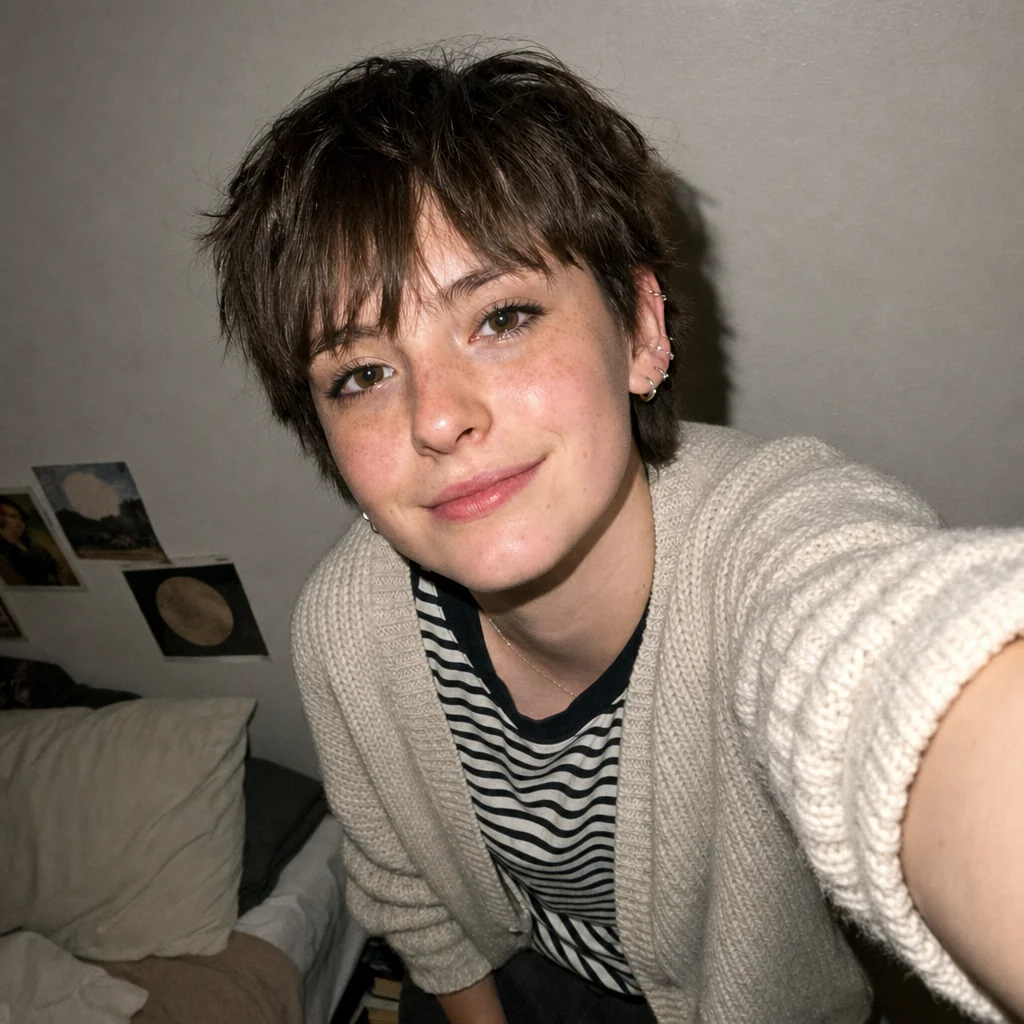
Square profile crop of the original denim-jacket cafe portrait.Square office portrait retaining the original blazer, portfolio and natural expression.Square upper-body profile crop retaining the original hoodie, vest and nighttime street.Square portrait at a library desk with a notebook and pen.Square profile crop of the original short-haired cardigan selfie.

Crop Your Photo

Crop your uploaded photo into a clearer composition while you guide what stays in frame.

  1. Upload
  2. Log in
  3. Create
  • Start with your photo

    Upload the photo you want to crop, keeping the original as your reference.

  • Guide the framing

    Describe the target format, focal subject, and framing you want, then request changes in words.

  • Keep important details

    Ask to preserve important details and review the resized composition for natural framing without stretched subjects.

Photo reframing

Frame around what matters

Give your photo a cleaner composition by directing the crop around your subject and the details that matter most.

Square profile crop of the original denim-jacket cafe portrait.
Reviewed cover-crop display of original catalog portrait for example-a
Square profile crop of the original short-haired cardigan selfie.
Reviewed cover-crop display of original catalog portrait for example-c
Square portrait at a library desk with a notebook and pen.
Reviewed cover-crop display of original catalog portrait for example-e

Get started

Upload a clear portrait, describe the edit and check the resulting image.

Step 1

Add your portrait

Choose the photo you want to edit.

Step 2

Request the edit

Submit the exact edit request with your original photo.

Step 3: Review the result. Actual accepted A result.

Step 3

Review the result

Check the square framing, complete face and unchanged photographic appearance.