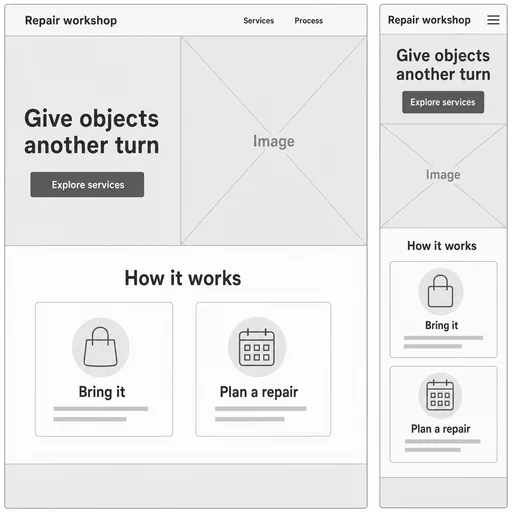
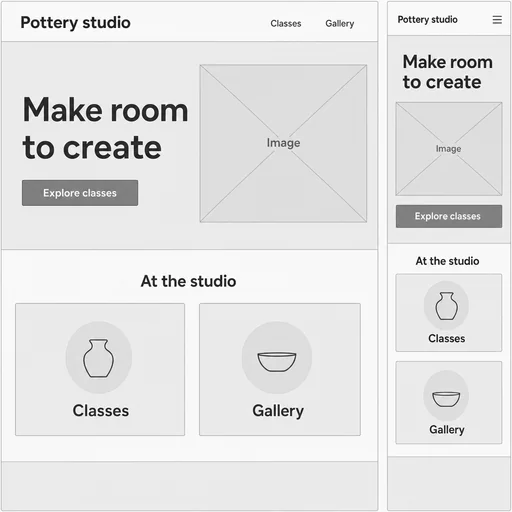
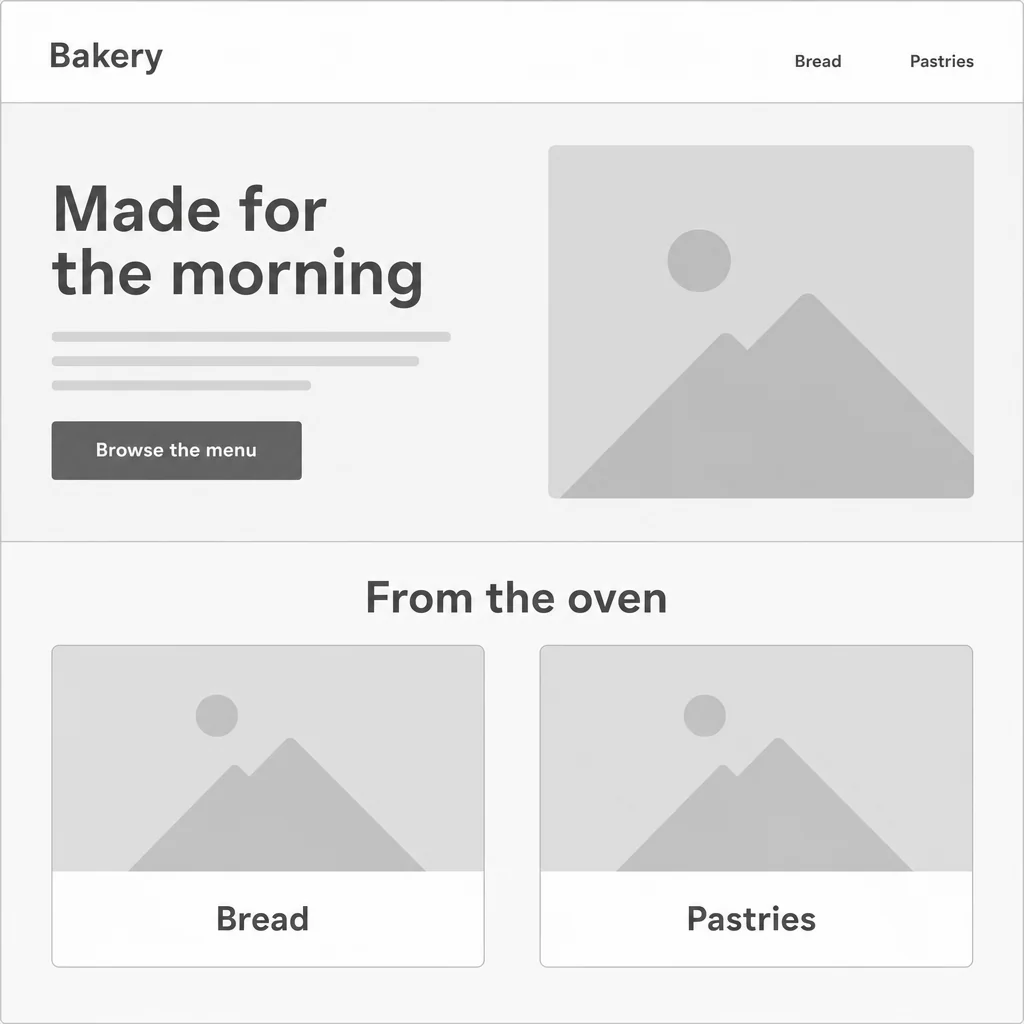
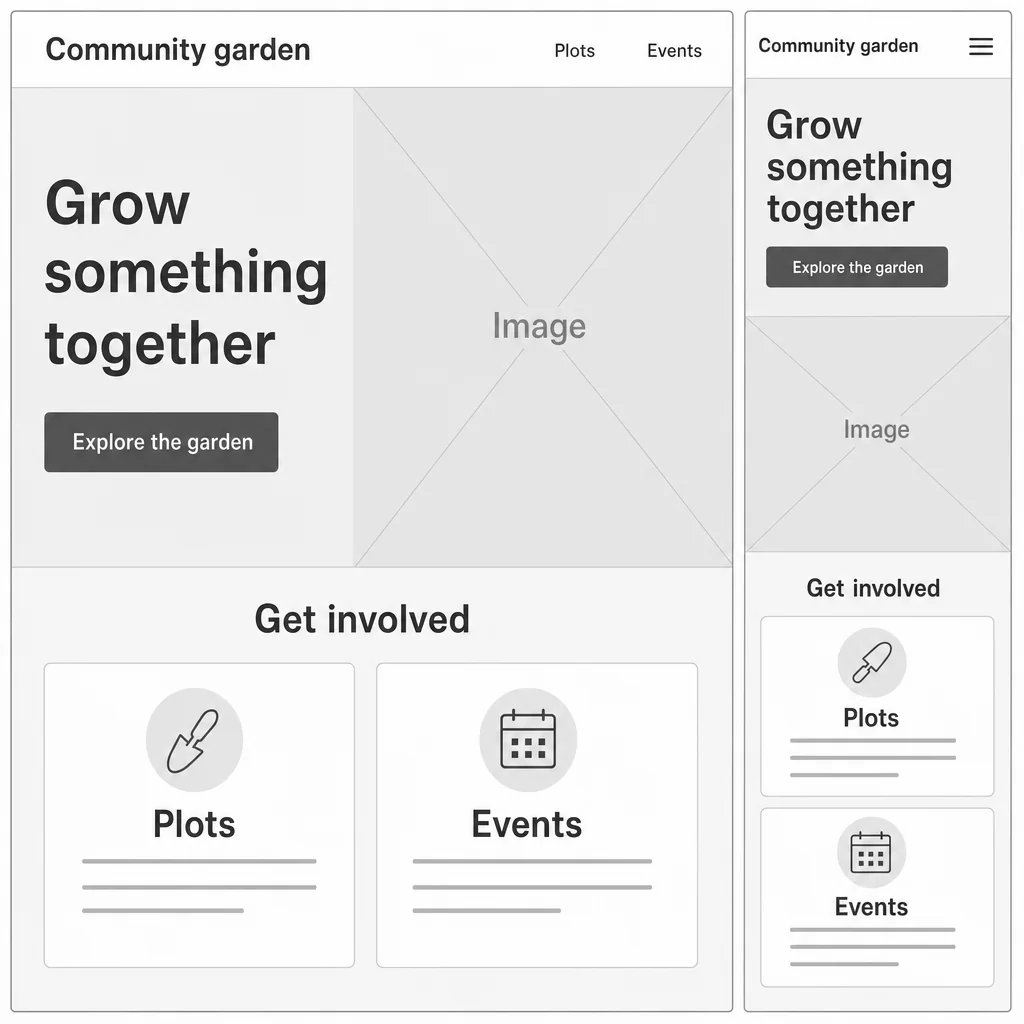
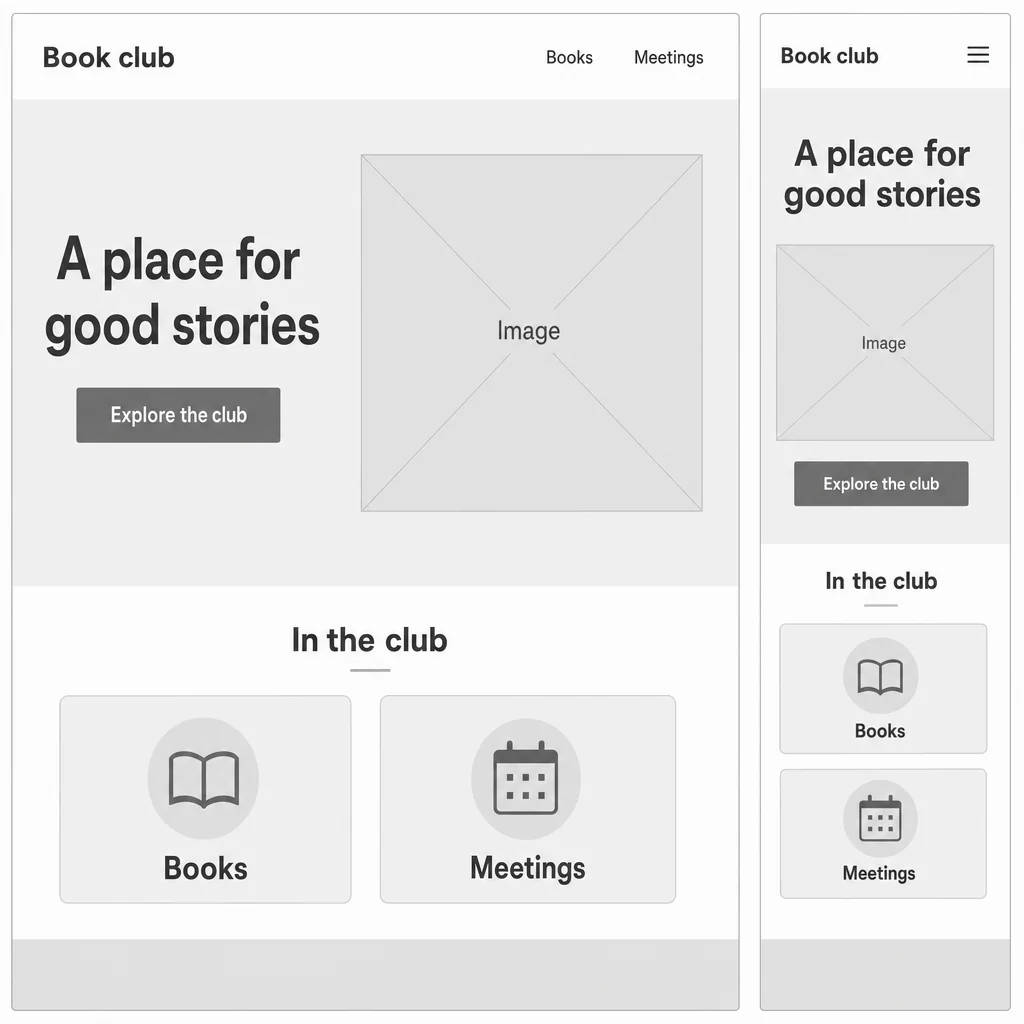
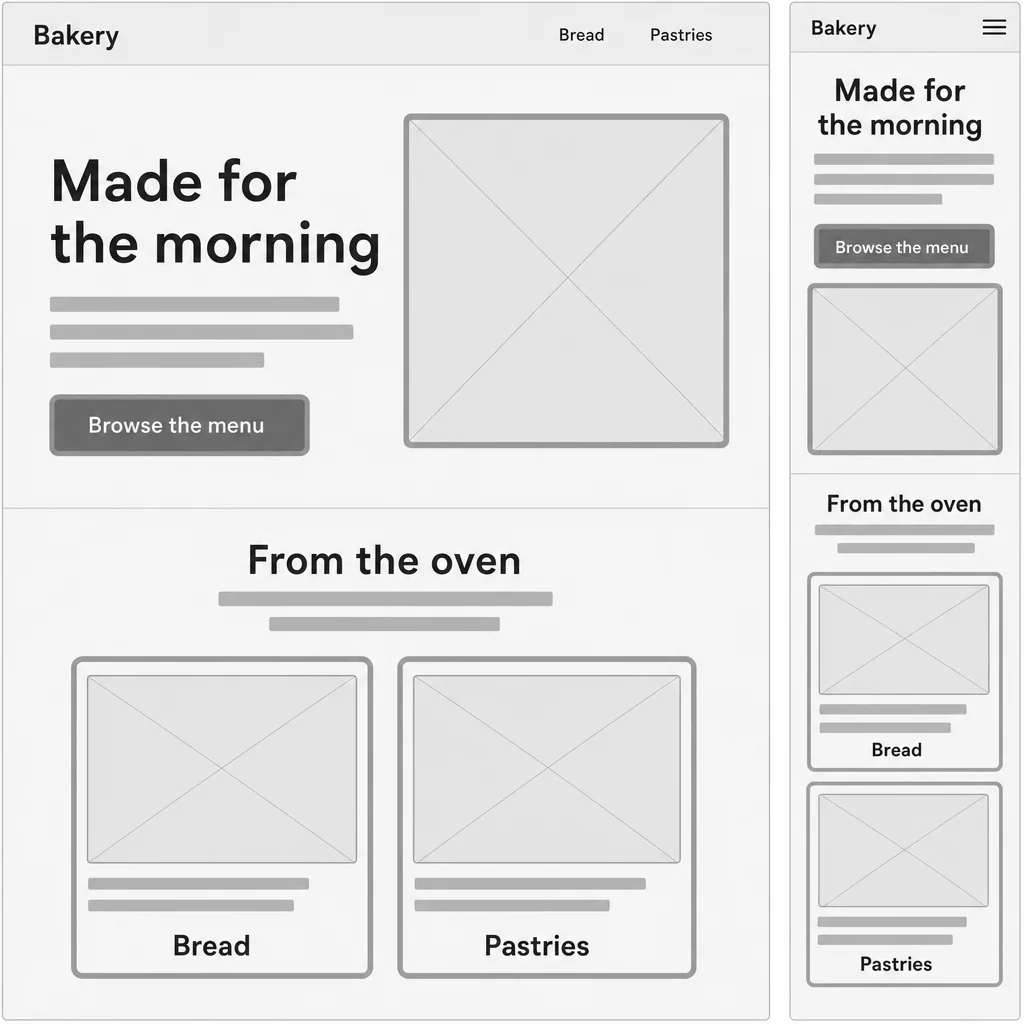
Grayscale structural bakery screen: header/navigation, hero and Browse the menu CTA, then From the oven with exactly Bread and Pastries cards. Reading order and grouping are clear.Repair workshop with Services/Process navigation, full supplied headline and CTA, Image placeholder, and exactly two Bring it/Plan a repair cards.One pottery homepage shown at desktop and narrow widths; all specified labels, two supporting cards, grayscale placeholders and order are preserved.Book club homepage, Books/Meetings navigation and cards, exact headline, Image placeholder and CTA are readable and grayscale.Community garden, navigation, hero/CTA/Image placeholder and two Plots/Events cards are correctly grouped and readable in grayscale.

Plan Your Website Wireframe

Turn your website idea into a grayscale wireframe with clear sections, content blocks, hierarchy, and responsive-minded structure.

  1. Describe
  2. Log in
  3. Create
  • Describe your website

    Describe the website’s purpose, audience, key pages, and content structure you want to explore.

  • Shape the structure

    Request changes to section order, navigation, CTA placement, content blocks, and responsive-minded layout in plain language.

  • Clarify the page flow

    Review the grayscale hierarchy and refine any sections whose content flow or mobile behavior feels unclear.

From idea to structure

Make your website plan visible

Explore a clear, low-fidelity layout that helps you think through page hierarchy, content flow, and calls to action.

Grayscale structural bakery screen: header/navigation, hero and Browse the menu CTA, then From the oven with exactly Bread and Pastries cards. Reading order and grouping are clear.
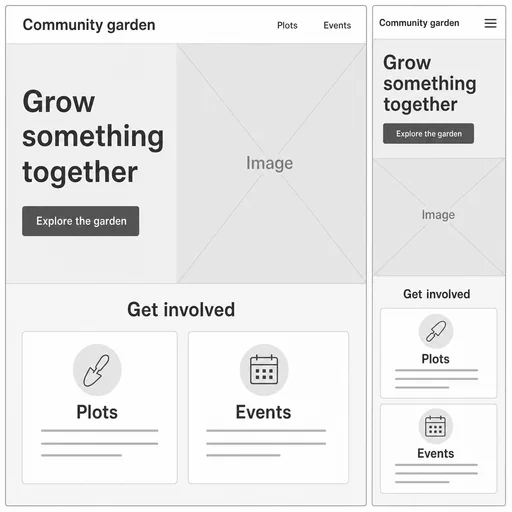
Community garden, navigation, hero/CTA/Image placeholder and two Plots/Events cards are correctly grouped and readable in grayscale.
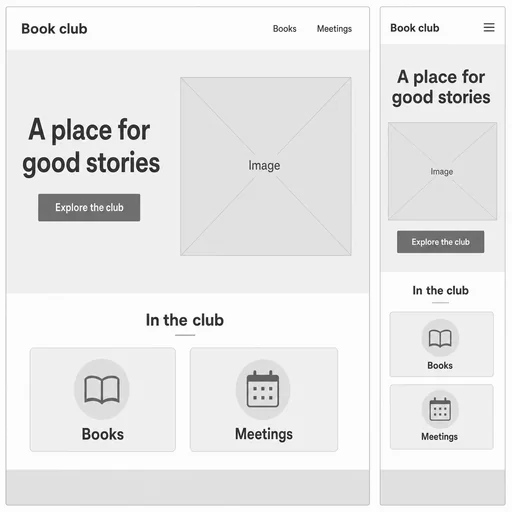
Book club homepage, Books/Meetings navigation and cards, exact headline, Image placeholder and CTA are readable and grayscale.

Get started

Create a first website wireframe, refine that same image, and review the final result.

Step 1

Describe your website wireframe

Provide the details for the first image.
Step 2

Refine the first image

Use the actual first result with this follow-up.
Step 3: Review the refined image.

Step 3

Review the refined image

Compare the final image with your request.